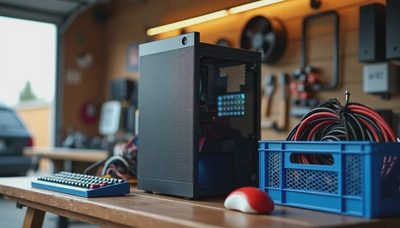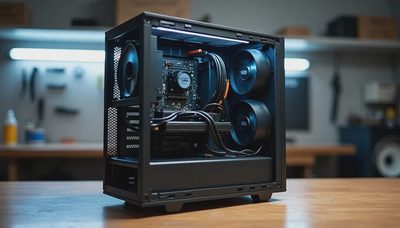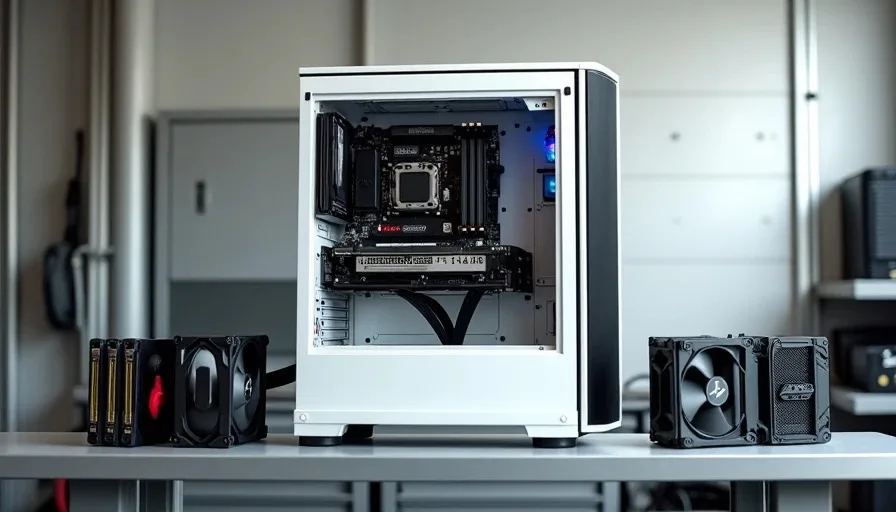
I use the same case for almost every client build, and it's not because I'm lazy. It's because the mATX form factor hits the sweet spot between size, expandability, and price that neither ATX nor mini-ITX can match. This mATX build guide walks through three real client builds I completed in the same case model over the past four months — an office workstation, a gaming rig, and a home server. Same chassis, three completely different configurations, three happy clients. The case that keeps winning isn't flashy. It just works, and it works for everything.
Why mATX Is the Form Factor I Default To
mATX gives me four expansion slots, enough VRM real estate for mid-range to upper-mid CPUs, and a footprint that fits on any desk or shelf. ATX is overkill for 80% of the builds I do — most clients never use more than one GPU and one NVMe drive, so the extra slots just collect dust and take up space. Mini-ITX is great for compact builds, but the premium on ITX motherboards and the cramped building experience make it a poor choice for budget-conscious clients. mATX sits right in the middle, and motherboard makers know it — the B650M and B760M boards I use regularly are well-equipped and reasonably priced.
What I Look For in an mATX Case
The case I use — I'm not naming the brand here because this isn't a sponsored post, and the model changes year to year — has to meet five criteria before I'll standardize on it. First, it needs to fit a 160mm tower cooler for air-cooled builds. Second, it needs front intake and rear exhaust fan mounts that aren't blocked by solid panels or tempered glass. Third, it needs at least two 3.5-inch drive bays for storage-heavy builds. Fourth, the cable management channel behind the motherboard tray needs at least 25mm of depth — anything less and you're fighting cables into a gap that's too small. Fifth, it needs a removable dust filter on the front and bottom that you can pull out without tools.
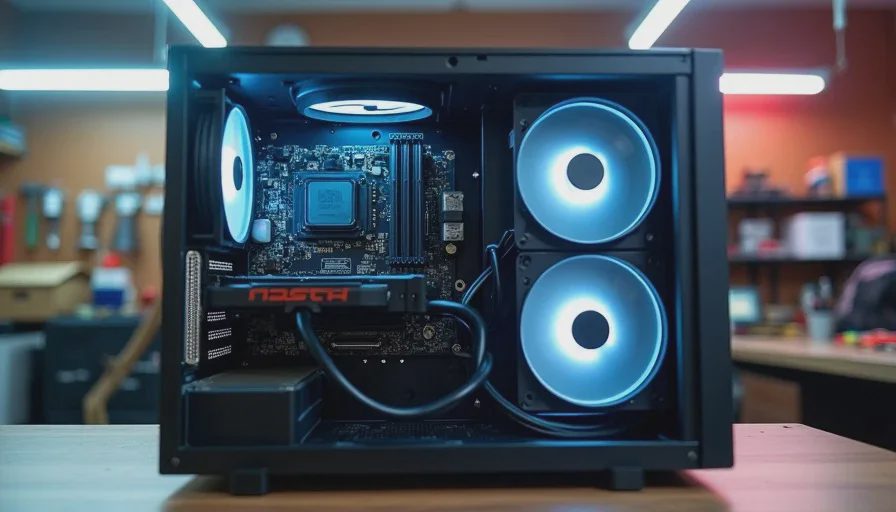
Build One — The Office Workstation
This was for a dental office that needed three identical machines for their front desk staff. The requirements were basic: run Dentrix and Windows 11 smoothly, boot fast, and stay quiet in a small office environment. No gaming, no heavy rendering, no overclocking. The build needed to be reliable above all else, and cheap enough that buying three didn't break their IT budget.
Workstation Specs and Cost
Component | Part | Price (USD) |
|---|---|---|
CPU | AMD Ryzen 5 5600G (integrated graphics) | $129 |
Motherboard | B550M (mATX, 4 RAM slots, 2 M.2) | $89 |
RAM | 16GB DDR4-3200 (2x8GB) | $35 |
Storage | 500GB NVMe SSD | $38 |
Case | mATX mid-tower (2 included fans) | $55 |
PSU | 450W 80+ Bronze | $39 |
Total | $385 per unit |
The 5600G's integrated graphics eliminated the need for a discrete GPU, which dropped the build cost significantly and removed a failure point. I used the stock cooler because the chip runs cool enough at stock settings in an air-conditioned office. No undervolting needed — the default settings were fine for this use case. The whole build took 35 minutes, and all three passed a two-hour Prime95 run before delivery. They've been running for four months with zero issues.
Build Two — The Gaming Rig
This was a personal build for a college kid whose dad hired me. Budget was $900, target was 1080p gaming at high settings for titles like Valorant, Cyberpunk 2077, and Helldivers 2. The mATX case handled this build with room to spare, and the extra slot space let me leave room for a future GPU upgrade without rebuilding the whole system.
Gaming Build Specs and Cost
Component | Part | Price (USD) |
|---|---|---|
CPU | AMD Ryzen 5 7600 | $199 |
Motherboard | B650M (mATX, DDR5, EXPO support) | $119 |
RAM | 32GB DDR5-6000 (2x16GB) | $85 |
Storage | 1TB NVMe SSD (Gen4) | $69 |
GPU | Used RX 6700 XT 12GB (tested per my rules) | $260 |
Case | Same mATX mid-tower + 2 extra fans | $75 |
PSU | 650W 80+ Gold modular | $75 |
Cooler | Tower air cooler, 120mm | $32 |
Total | $914 |
The used RX 6700 XT came from my own testing process — I bought it, ran it through my fifteen-minute FurMark test, checked the thermal pads, and verified the BIOS in GPU-Z before putting it in this build. The 650W gold PSU gives headroom for a future GPU upgrade to something like an RTX 4070 without swapping the power supply. I undervolted the 7600X using Curve Optimizer (-20 all-core) and set a custom fan curve for his bedroom environment. The system hits 72°C under full gaming load and stays under 38 dB at arm's length — quiet enough that his dad didn't complain about noise.
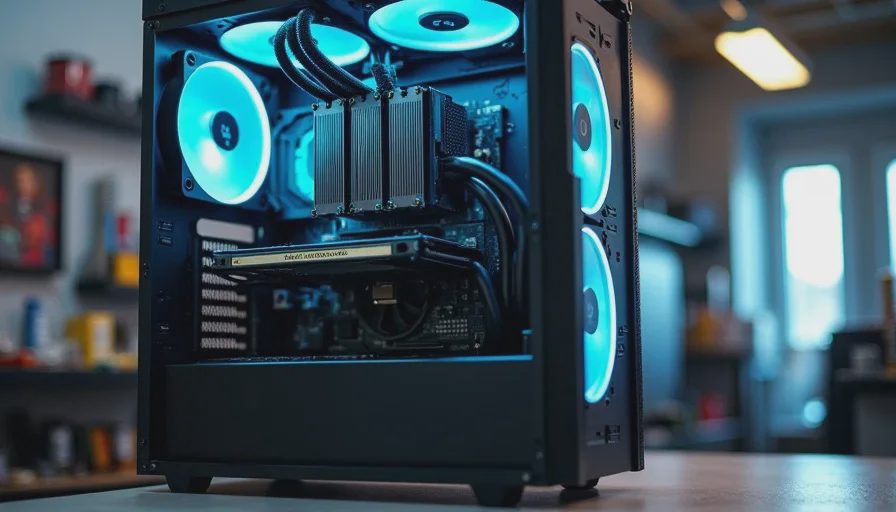
Build Three — The Home Server
This was the most interesting build. A client wanted a home server for file storage, Plex media streaming, and running a couple of Docker containers for home automation. The mATX form factor was ideal because it gave me four SATA ports on the motherboard, two M.2 slots for the boot drive and cache, and enough physical space for three 3.5-inch hard drives in the case's drive bays. An ATX case would have been bigger than necessary. An ITX case wouldn't have held the drives.
Home Server Specs and Cost
Component | Part | Price (USD) |
|---|---|---|
CPU | Intel i3-12100 (low power, QuickSync for Plex) | $104 |
Motherboard | B660M (mATX, 4 SATA, 2 M.2) | $79 |
RAM | 16GB DDR4-3200 ECC (2x8GB) | $52 |
Boot Drive | 250GB NVMe SSD | $25 |
Storage Drives | 2x 4TB HDD (client provided, reused from old NAS) | $0 |
Case | Same mATX mid-tower | $55 |
PSU | 350W 80+ Bronze (low wattage, quiet) | $34 |
Cooler | Low-profile air cooler | $19 |
Total | $368 |
The i3-12100 was chosen specifically for Intel QuickSync, which handles Plex hardware transcoding without breaking a sweat. Power draw at idle is about 28 watts, which matters for a system that runs 24/7. I set the BIOS to keep fans at a fixed 40% speed because server loads are bursty and a ramping fan curve would be constantly oscillating. The system has been running for two months, serving Plex to three TVs in the house, with zero complaints.
What Makes One Case Work for All Three
The common thread is flexibility. The case has enough room for a large air cooler when you need it, but doesn't force you to use one — the workstation and server ran fine with stock or low-profile coolers. The drive bays are removable, so the gaming build had none installed (all NVMe), the workstation had one SSD mounted behind the tray, and the server used both 3.5-inch bays plus the SSD mount. The cable management channel handled a modular PSU's cable set for the gaming build and a non-modular PSU's fixed cables for the workstation without either being cramped. That's the value of a well-designed mATX case — it adapts to what you need instead of forcing you to work around its limitations.
When I Don't Use mATX
High-end gaming builds with 3-slot GPUs: A 4080 or 4090 often needs the space and airflow of a full ATX case. I've tried fitting them in mATX and the thermals suffer.
IT clients needing 4+ drives in a single system: Beyond three drives, the cable routing in mATX gets tight and I move to a larger case.
Showpiece builds where aesthetics matter: If the client wants RGB glass panels and a custom loop, I'll use whatever case fits their vision. mATX is my default, not my religion.
The mid-range PC build in 2026 doesn't need a full tower. It needs a case that's smart about space, airflow, and adaptability. mATX delivers all three at a price that leaves room in the budget for the components that actually matter. I turn it on so you don't have to.