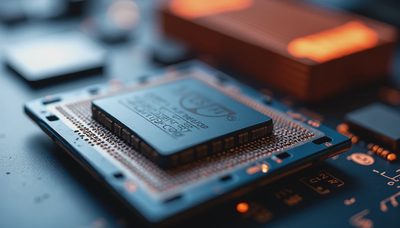
Thermal pad for cpu options, fit, installation steps, and performance advice for builders who want lower temperatures without wasting money on bad cooling...

ssd check: test drive health, temperature, and speed on Windows before a small problem becomes a dead boot. Get practical steps from a working PC builder today.

How to tell if modem is bad: use these practical tests to separate modem failure from Wi-Fi, cable, ISP, and router problems before buying new hardware.

wifi working but no ethernet? Follow this bench-tested guide to find bad cables, dead ports, driver errors, adapter settings, and router faults without...

Check health of ssd with SMART data, free tools, temperatures, and warning signs. Learn what the numbers mean and when to replace a drive safely.

Passive CPU cooler advice from a hands-on PC builder: learn where fanless heatsinks work, where they fail, and how to build a quiet, stable machine.

A heat pipe cpu cooler can keep your processor quiet and stable. Learn how tower designs work, what to buy, and how to install one correctly.
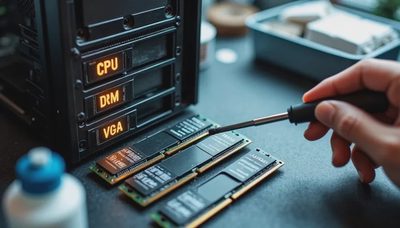
A systematic PC won't post troubleshooting guide from a garage builder with years of real-world repair experience. Covers the five-second checks most people skip, a ranked reseat sequence, component isolation with a diagnostic table, and when to recognize a dead motherboard.
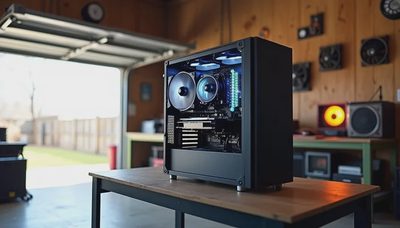
A practical guide to managing PC thermals in Houston's 100°F+ summer heat, covering why AIOs struggle in high ambient temperatures, how undervolting reduces heat output without losing performance, case airflow principles, fan curve tuning for hot climates, and thermal paste maintenance schedules.
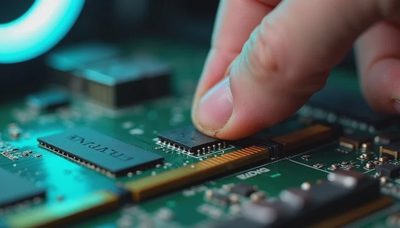
RAM in the wrong slots or not fully seated causes about sixty percent of no-POST builds Clint sees in his Houston garage. This article walks through why RAM is the #1 offender, how slot configuration trips up even experienced builders, what POST error beep codes mean, and the five-minute diagnostic sequence that catches the problem before you re-seat a CPU you didn't need to touch.

A practical PC stability testing guide covering Clint's specific protocol: Prime95 for CPU, MemTest86 for RAM, OCCT for GPU, and real gaming sessions for overall validation. Includes exact durations, pass/fail criteria, and the discipline of knowing when additional testing stops adding value and starts wasting electricity.

Coil whine fix strategies depend on identifying whether the noise is normal GPU inductor vibration or a sign of component trouble. FPS capping, VSync, power target adjustment, and undervolting are the fixes that work. PSU-related whine or new whine on a previously quiet card warrants further investigation.
