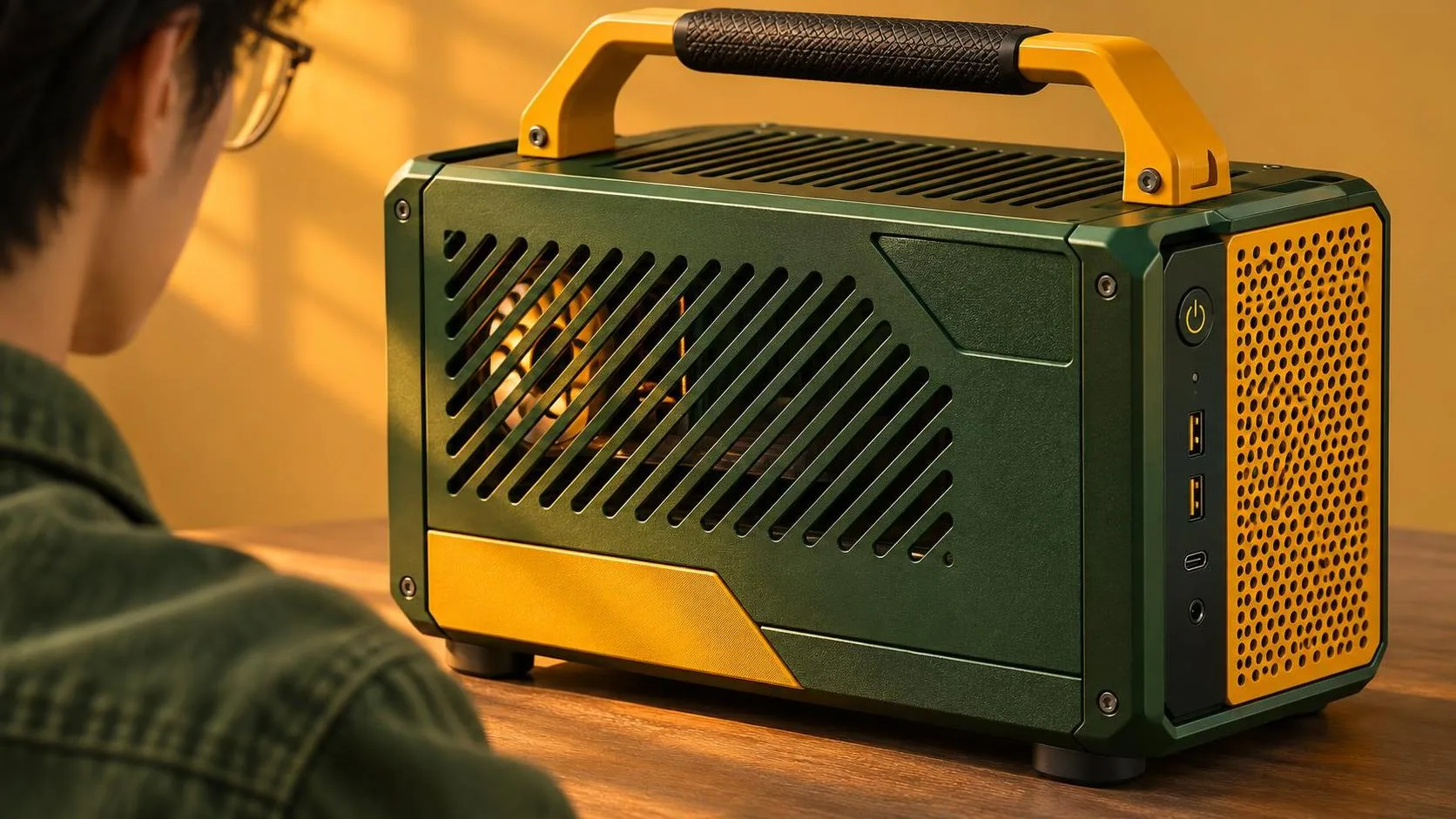
A portable PC stops being portable when the handle is awkward, the graphics card is too heavy, or the whole thing cooks under a desk. If you want a matx case with handle, start with the Jonsbo Z20 for a compact metal chassis, the Cooler Master MasterBox Q300P for a small tower with carrying handles, or the Mechanic Master C28 for a compact build with a handle. All three are worth investigating for a Micro-ATX parts list, but check availability and the exact configuration before ordering. None gets a blanket recommendation without a week on my bench.
The short version: buy the case around your motherboard and graphics card, not the other way around. Then make sure the handle, cooling layout, and loaded weight make sense for how often you actually plan to move it.
What a matx case with handle needs to fit
Micro-ATX is a motherboard form factor, not a promise that every other part will fit. A case can accept your board and still leave you fighting the power supply, GPU cables, or CPU cooler.
Start with the graphics card. Compare its length, height, and thickness with the case documentation. Pay attention to whether the stated maximum assumes a front fan, radiator, or drive cage has been removed. A card that fits on paper may also need extra room for its power connector and the bend in the cable. Don't jam a connector against a side panel just to close it.
Next, check CPU cooler height if you're using an air cooler. For liquid cooling, check both radiator size and mounting position. A case may support a particular radiator length but not have enough clearance for that radiator, its fans, and your motherboard's tall heatsinks at the same time.
Finally, check the power supply form factor and length. Some compact cases accept standard ATX supplies; others have different restrictions. A modular supply can help with cable management, but its plugs still need clearance. Look for the case maker's compatibility notes and recent documentation for the specific revision you're buying.
The handle is part of the build
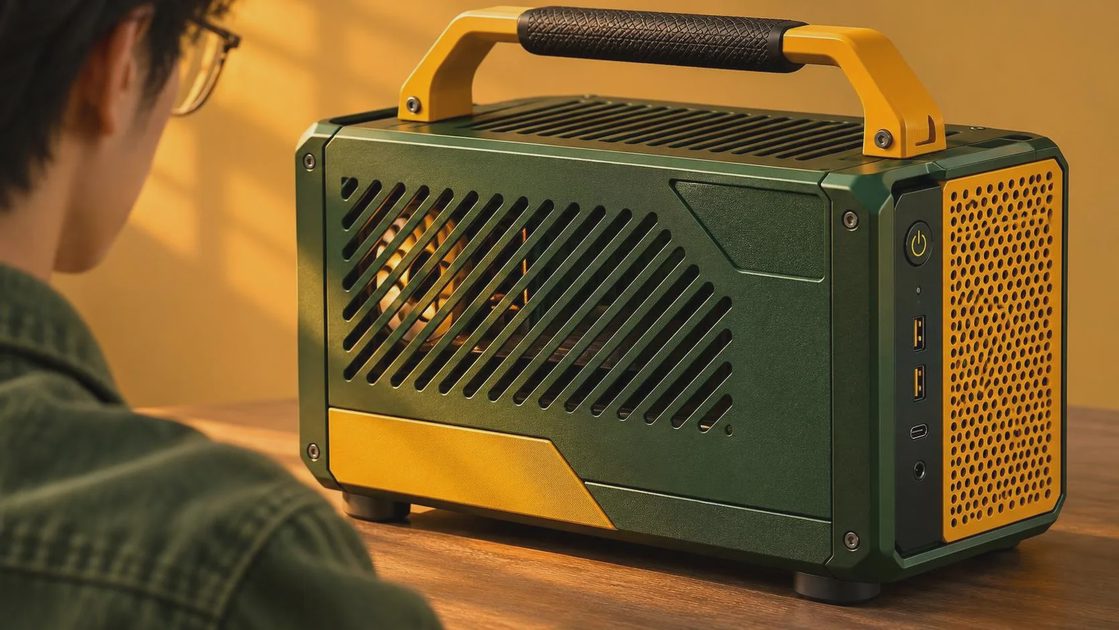
A handle makes a case easier to pick up. It doesn't make the chassis indestructible. Before buying, look at how the handle attaches, whether it is included, and whether the manufacturer specifies a weight limit. Don't assume a decorative strap or an aftermarket accessory is rated to carry a fully loaded PC.
The balance point matters too. A heavy GPU and power supply can make the machine tilt when lifted. If possible, check the loaded balance close to the ground with your other hand supporting the bottom. If the case twists, the handle attachment shifts, or the load feels awkward, carry it with both hands instead.
Consider where the handle sits when the machine is in use. A top-mounted grip shouldn't block your planned exhaust fans or prevent the PC from fitting on a shelf. Measure the full height with the handle installed, not just the height of the metal box.
For frequent trips, a padded carrying bag sized for the case can protect it from scratches and bumps. It is not a substitute for supporting the computer properly, and it won't prevent internal components from moving if the bag takes a hard knock.
Cooling a small case without making a racket
A compact box has less room for mistakes. Look for a clear path for cool air to enter and warm air to leave. Vented panels help, but only if fans have room to breathe and aren't pressed against a wall or carpet.
A sensible starting point is filtered intake at the front or bottom, where the chassis permits it, with exhaust at the rear or top. The right arrangement depends on the case and graphics card. Don't buy a pile of fans until you know which mounts remain available after the GPU, cooler, and power supply are installed.
Check temperatures under the actual workload. Run a game or rendering job long enough for temperatures and fan speeds to settle, then compare readings with the side panel on and off. A large drop with the panel removed can point to restricted airflow. It isn't proof that you need more fans; a blocked intake or tangled cables may be the problem.
Houston heat is a useful reminder that room temperature matters. A system that behaves in a cool room has less thermal headroom when the room gets hot. Leave some margin instead of tuning fan curves for the quietest possible idle and calling it done.
Moving a finished PC safely
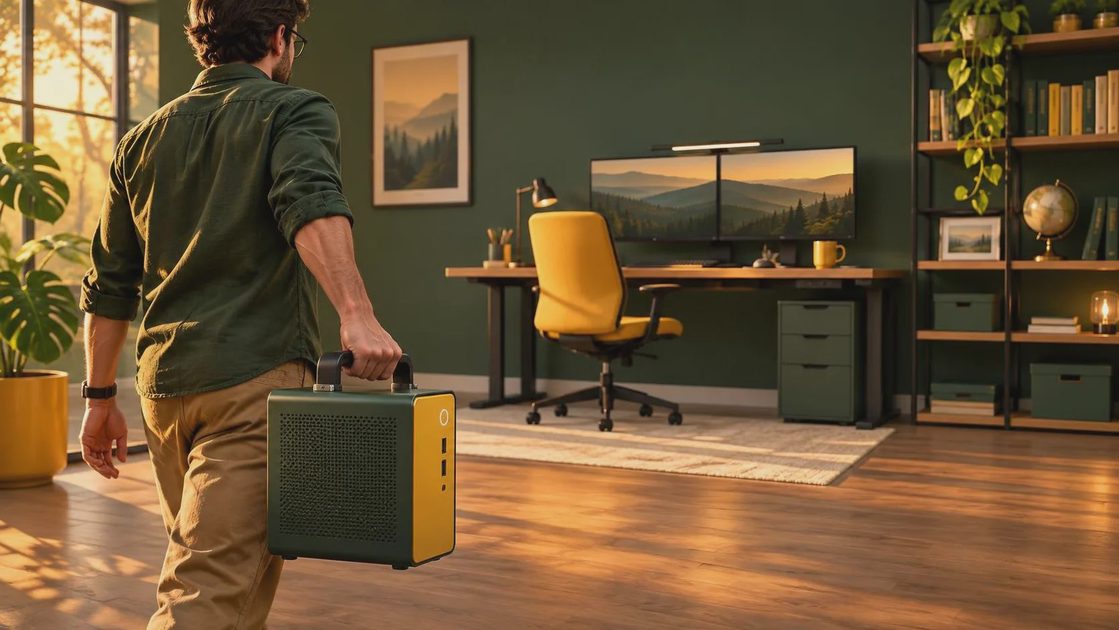
Shut the computer down, switch off the power supply, and disconnect every cable before moving it. Give the components time to cool, particularly if you're packing the machine into a closed bag.
The graphics card deserves attention. A large card puts leverage on its slot, and a case handle doesn't change that. For a short, gentle trip, a properly installed support bracket may help. For a long drive, shipping, or any trip where the case may get knocked around, removing the GPU and packing it separately is the safer choice. Use appropriate protective packaging and keep track of the screws.
The same goes for a particularly large tower air cooler: check the cooler and case makers' transport guidance. Don't stuff loose towels inside the PC as makeshift bracing. They can snag components, shed fibers, and get forgotten when the machine is powered back on.
At the destination, set the computer upright on a stable surface, reconnect the cables, and check that nothing shifted before turning it on. If the machine won't display a picture after a move, shut it down and check the GPU seating and power connections rather than repeatedly hitting the power button.
Before you order
Write down four measurements: GPU dimensions, CPU cooler height or radiator dimensions, power supply dimensions, and the space where the finished PC will sit. Then compare those against the exact case revision and its component-clearance notes. Add the handle to your height measurement and leave room for cables and airflow.
For the Jonsbo Z20, MasterBox Q300P, and Mechanic Master C28, verify the seller's listing against the manufacturer's documentation, especially the included handle hardware and supported parts. Older listings and regional variations can muddy the picture. If any clearance depends on removing a fan or cage, decide whether that compromise is acceptable before you hit checkout.
A handle is handy. A machine that fits its parts, runs cool, and survives the drive is the actual goal.