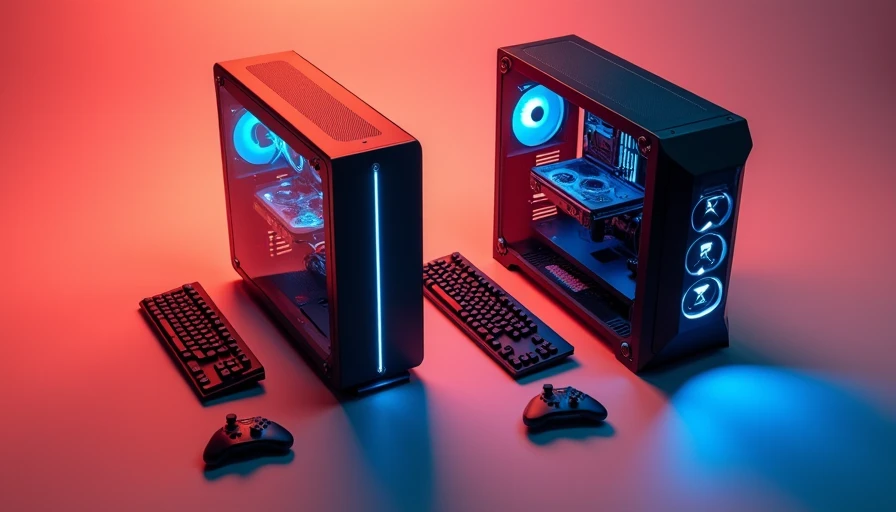
I started comparing these machines after helping a new builder sort through a messy upgrade decision: buy a current Aurora, hunt down an older Area 51, or build from parts. That is the real question behind alienware aurora vs area 51. The Area 51 name sounds bigger and faster, but a nameplate is not a frame rate. What matters is the processor generation, graphics card, power supply, cooling layout, and how much work you can do inside the case without inventing new swear words.
The short answer
For most buyers, the Aurora is the practical choice. It is newer, easier to find with current Intel or AMD processors, and usually comes with a warranty through Dell or a retailer. The Aurora also takes less desk space than the enormous Area 51 towers. If you want a working gaming PC delivered to your door, it is the safer route.
The Area 51 makes sense only in a narrower situation. You find a clean, fairly recent system with a strong graphics card, a healthy power supply, and a price low enough to justify its age. Older Area 51 systems can still play games well, but replacing proprietary parts or repairing a cooling problem can erase the bargain quickly.
My simple rule is this: compare the hardware inside, not the badge on the front. A well-priced Aurora with a midrange GPU will beat an old Area 51 with a dated processor in plenty of current games.
Cooling and noise are where the story changes
The biggest weakness in many Aurora configurations is restricted airflow. Compact designs save room, but a powerful CPU and GPU still dump the same heat into the room. When the front intake is limited, fans ramp up during long gaming sessions. That means more noise and, sometimes, lower sustained clock speeds.
The Area 51 generally offers a larger chassis and more room around the components. That sounds like an automatic win, but bigger does not mean well designed. Some older models use unusual radiator arrangements, proprietary fan connections, or aging liquid coolers. A pump that has been running for years is not a feature; it is a maintenance question.
In a Houston garage, I care about sustained temperatures more than a five-minute benchmark screenshot. Room temperature, dust buildup, and fan curves matter. If your room is already warm, leave space around either desktop, clean the filters, and do not bury the exhaust against a wall. A $25 pack of decent case fans cannot fix every chassis, but it can prevent a lot of needless heat.
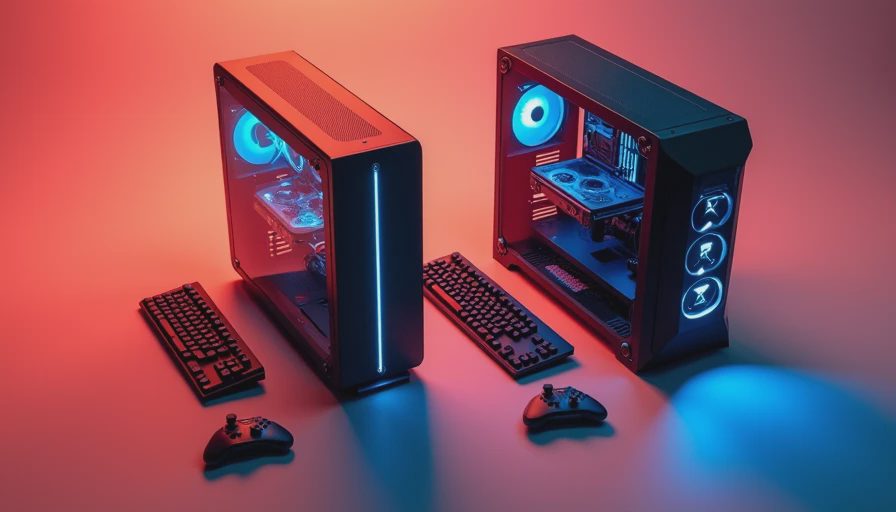
Upgrade potential: Aurora versus Area 51
The alienware aurora vs area 51 decision gets more complicated when upgrades enter the picture. Aurora systems use standard components in some generations, but not every part is equally easy to replace. Check the exact model before buying. Memory and storage are usually straightforward. The graphics card can be limited by case clearance, connector placement, or the installed power supply.
CPU upgrades require more caution. A newer processor may need a different motherboard or BIOS support, and Dell systems are not always as flexible as a custom-built PC. Do not assume that an empty socket means a drop-in upgrade. Look up the service manual, motherboard model, maximum supported memory, and power connector layout first.
Area 51 desktops can offer more physical room, which helps with large graphics cards and additional drives. The catch is age. A machine from an earlier generation might use a power supply that is difficult to replace, a motherboard with limited support, or a cooling system that has already spent thousands of hours moving hot air. Room to work is valuable, but only when replacement parts are available.
Before handing over money, ask for internal photos. You want to see the power supply label, GPU model, storage drives, radiator condition, and dust level. A seller who refuses those pictures is saving you time by identifying the machine you should skip.
Gaming performance and value
For gaming, the graphics card normally matters more than the chassis family. An Aurora with an RTX 4070-class card will generally be a stronger modern gaming purchase than an Area 51 carrying an older high-end GPU. Newer cards bring better efficiency, current driver support, and features such as upscaling and frame generation where supported.
That does not make every Aurora a bargain. Prebuilt pricing can include a premium for assembly, support, Windows, and financing. Compare the complete system against a parts list using the same processor, graphics card, memory capacity, storage, and operating system. If the Aurora costs $150 to $300 more than an equivalent parts build, that premium may be reasonable for someone who wants one box and one warranty. It is less attractive if the system uses a weak power supply or a small boot drive.
The Area 51 can look impressive on a used listing because its original price was high. Ignore that number. A five-year-old or older PC is worth what its current hardware, condition, and upgrade path justify. Budget for a new SSD, fresh thermal paste, and possibly a power supply. Those costs can easily add $150 to $300 before the first game install.
What I would buy in three common situations
If you are a first-time builder who wants minimal fuss, choose a recent Aurora configuration with 16GB or 32GB of memory, a current midrange graphics card, and at least a 1TB SSD. Confirm the cooling design before ordering. The base configuration is not always the one I would put on a workbench.
If you already own a monitor and can shop patiently, the alienware aurora vs area 51 comparison favors whichever has the better GPU for the money. A clean used Area 51 with an RTX 3080-class card could be interesting, but only after checking temperatures, storage health, and power requirements. Do not buy it just because the case looks like a spaceship.
If you expect to upgrade repeatedly, build a standard ATX system instead. A Fractal Design, Corsair, or be quiet! case with a conventional motherboard and power supply gives you more choices later. Alienware desktops can work well, but they are not automatically the best foundation for a decade of upgrades.

A buying checklist that prevents expensive mistakes
Start by writing down the exact CPU and GPU, not vague labels such as “gaming edition.” Then verify the memory configuration. Two 8GB sticks are usually preferable to one 16GB stick when the platform supports dual-channel operation. Check whether storage is an NVMe SSD or an older hard drive, and ask for drive health information on used systems.
Next, inspect the power supply. You need enough wattage and the correct connectors for the graphics card. A powerful GPU paired with a marginal supply turns an upgrade into another purchase. Listen for grinding fans, pump rattles, and electrical buzzing during a real game, not just while the desktop is idle.
Finally, price the repairs before you buy. Add a replacement SSD, extra memory, a cooler, shipping, and sales tax. When those numbers are included, the alienware aurora vs area 51 choice often becomes obvious. The cheaper listing is not cheaper if it needs half a new computer.
My recommendation
The Aurora is the better default for current buyers who want a supported, ready-to-run gaming desktop. Choose the Area 51 only when the hardware is clearly stronger for the price and you have verified its condition. Do not pay extra for size, lighting, or an old flagship label.
Take the listing, write down every component, and compare it with two current parts lists before you click Buy. If the seller cannot identify the power supply or graphics card, walk away. I turn it on so you do not have to; you should not have to turn on somebody else's mystery machine either.