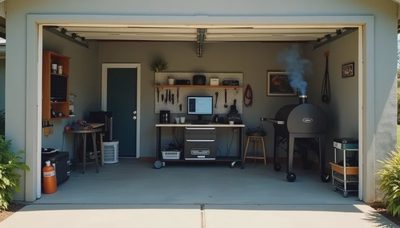
A PC stability testing guide does not usually talk about baseball. But the reality of stability testing is that you are sitting in a garage for twelve hours watching temperature numbers and waiting for something to break — and your mind wanders. The Astros are on the garage TV, Prime95 is humming along on the test bench, and I have got a lot of time to think. I turn it on so you don't have to.
The Setup — Coffee, Cables, and the First Pitch
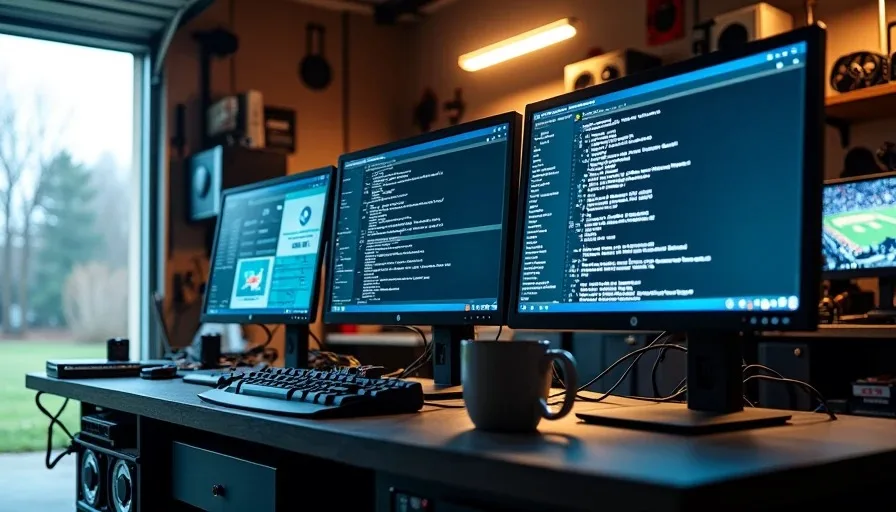
I start every stability test before 9 AM. The routine is the same every time: clear the workbench, plug in the test rig, launch monitoring tools, pour coffee, turn on the garage TV. By the time the Astros drop their first pitch, I have got HWMonitor open on one screen, Prime95 on another, and the test log scrolling on a third monitor I rescued from a client's old Dell.
Why Routine Matters
Stability testing rewards consistency. If you test the same way every time, you build a mental baseline for what normal looks like — the typical temperature range, the expected power draw, the way fans ramp under load. When something deviates, you catch it immediately because you have seen normal a hundred times. Sloppy testing — different ambient temps, different fan curves, different monitoring tools each time — makes it impossible to tell a real problem from a setup variation.
Innings 1-3 — The Boring Part That Matters Most
The first three hours of a stability test are the least interesting and the most important. This is when most failures happen. A CPU that is going to crash under sustained load usually shows it early — temperature spikes, a worker thread stopping in Prime95, a sudden reboot with no warning. If you are going to see a failure, odds are you see it before the fourth inning.
What I Am Watching For
I check three things during the early innings:
Time Mark | What I Check | What Is Normal | What Is Not |
|---|---|---|---|
0 to 30 min | Temperature curve | Ramps up, then plateaus | Keeps climbing past 85C |
30 to 60 min | Prime95 worker status | All workers active | Any worker halted or error |
1 to 3 hr | System responsiveness | Task switching is smooth | Lag, stutter, or freeze |
The Astros are usually down a run by the third inning. The test rig is either stable or it has already crashed. If it is still running clean, that is a good sign — but it does not mean you are done.
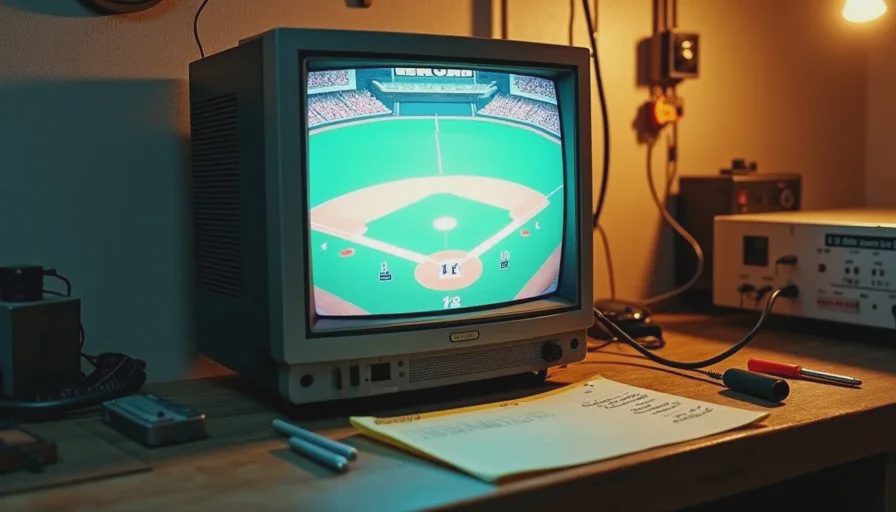
Innings 4-7 — Watching for the Small Stuff
This is the middle stretch, and it is where the real work happens. The build I tested last week — a Ryzen 5 7600 with a modest undervolt — sat at 72C for hours. Steady as a rock. But around hour six, I noticed one of the Prime95 workers had paused and resumed. No crash, no error message. Just a brief hiccup that most people would miss because they stopped watching three hours ago.
The Art of Paying Attention
That is what the middle hours are for. Not dramatic failures — those are obvious. The middle hours catch the subtle stuff: a temperature that creeps up two degrees over an hour, a fan that starts oscillating instead of holding steady, a voltage reading that drifts. None of these are failures by themselves, but they are patterns that tell you the system is not as stable as the numbers suggest on paper.
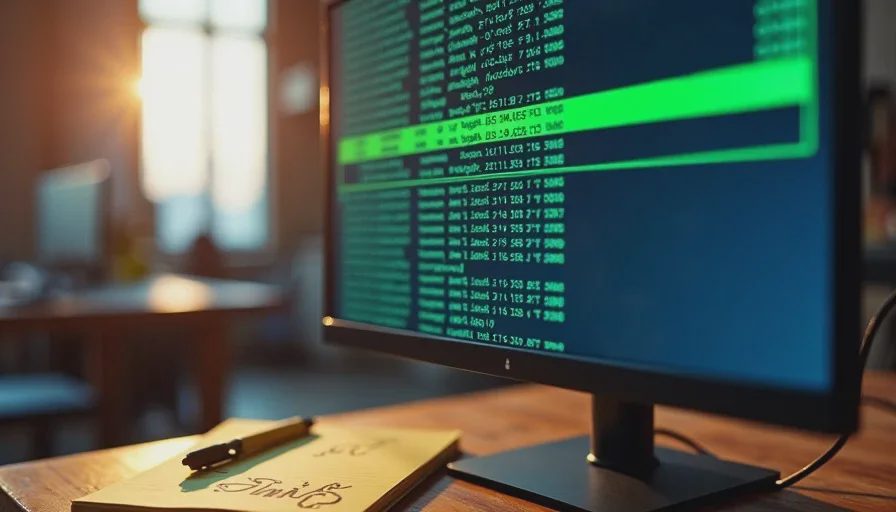
I keep a legal pad on the bench. Every hour, I write down the max temperature, the average temperature, and whether all workers are still running. Five numbers per line, one line per hour. It looks like a scorecard, which is probably why my brain associates it with baseball.
What Baseball and Testing Have in Common
Baseball is twelve minutes of action stretched across three hours. Stability testing is three seconds of excitement — a crash — stretched across twelve hours. Both reward patience. Both punish the person who looks away at the wrong moment. And both are fundamentally about routine: doing the same thing over and over, paying attention each time, because the one time you do not is when it matters.
The middle innings are where you earn your money as a builder. Anyone can catch a crash in the first thirty minutes. Catching a worker that paused for two seconds at hour six — that takes someone who is actually watching.
Late Innings — Knowing When to Stop
A twelve-hour stability test is the standard I use for builds I am handing off to other people. For my own machines, eight hours is usually enough. The question is not "how long should I test" — it is "what am I looking for, and have I seen it or not seen it?"
The Decision Framework
Here is how I decide a test is done:
No worker threads have stopped or thrown errors in the last four hours
Temperature has remained within a 3-degree range for the last six hours
No unexpected reboots, freezes, or blue screens during the entire run
Manual monitoring shows no voltage or frequency drift
The system has been idle-to-load cycled at least twice without issues
If all five are true at the eight-hour mark, I will run another two hours to confirm, then call it. If any of them are not true, the test is not done — the build is not stable, and I need to adjust something before I waste more electricity.
What I Am Actually Thinking About
Honestly? During hour nine, I am thinking about the brisket. Twelve-hour smoke, low and slow, same as the stability test. You do not rush a brisket and you do not rush a stress test. Both will tell you when they are done — the brisket by temperature, the PC by stability.
I am also thinking about Cody. He is four, and he was asleep when I started this test. He will be awake when I finish. That is the shape of a Saturday when you build PCs on the side — long hours, quiet work, and the satisfaction of a machine that runs clean when you hand it off to someone who is paying you for it.
The Astros lost today, 4-2. The build passed. One of those outcomes I can control. I turn it on so you don't have to.