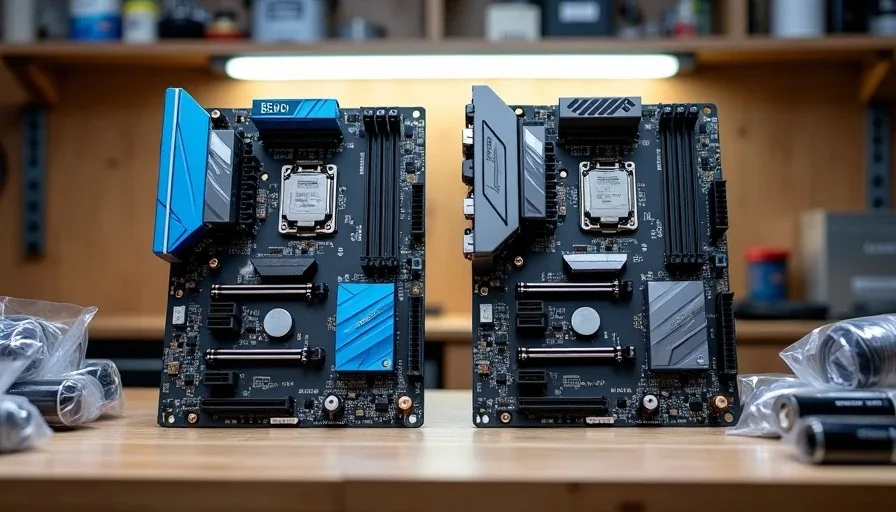
The B550 vs B650 2026 question comes up in my garage at least once a week. Someone has $700 to build a PC, they have read conflicting advice online, and they need a straight answer about whether to go AM4 or AM5. I have built on both platforms this year, and I am going to give you the honest answer for real-world budgets — not the theoretical one you will find in a forum argument. I turn it on so you don't have to.
Where Each Platform Stands in 2026
B550 is AM4. It has been around since 2020, it uses DDR4 memory, and AMD has stopped releasing new CPUs for the socket. B650 is AM5. It launched in 2022, uses DDR5, and AMD has confirmed support through at least 2027. That difference in platform longevity is the core of this decision, and everything else flows from it.
The Platform Comparison
Here is what each platform looks like in 2026:
Feature | B550 (AM4) | B650 (AM5) |
|---|---|---|
Socket | AM4 (dead-end, no new CPUs) | AM5 (supported through 2027 and beyond) |
Memory | DDR4 (cheaper, widely available) | DDR5 (pricier, faster) |
PCIe | PCIe 4.0 | PCIe 5.0 on most boards |
CPU Ceiling | Ryzen 5000 series, no further upgrades | Ryzen 7000 and 9000 series, more coming |
Motherboard Range | 130 | 200 |
RAM Cost (16GB) | 40 | 80 |
Used Market | Abundant and cheap | Growing but still pricey |
The B550 platform is finished in terms of new releases. The last CPUs for AM4 shipped in 2022. B650 is still receiving new chips, and AMD has been clear that AM5 has years of support ahead. That does not automatically make B650 the right choice — but it is the first thing you need to understand before spending money.
The Real Cost Difference (It's Not Just the Motherboard)
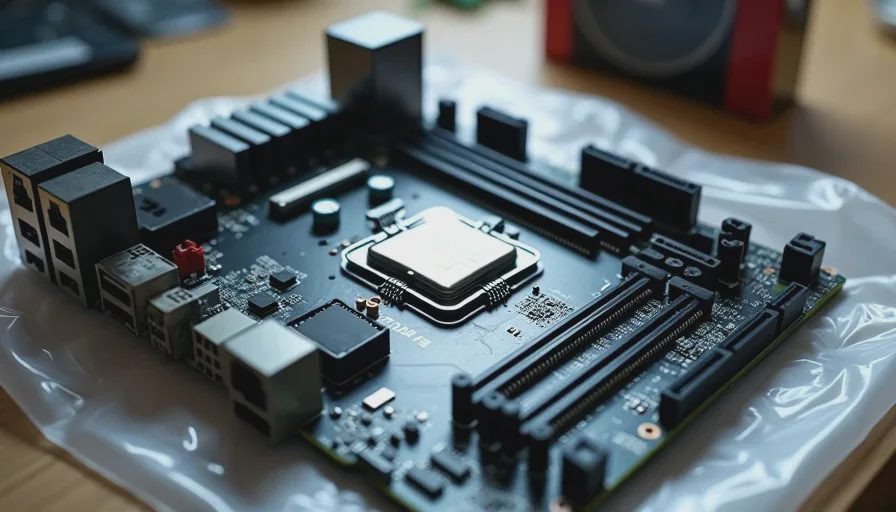
People look at the motherboard price gap and think that is the whole story. It is not. The B550 vs B650 2026 cost difference compounds across three components: the motherboard, the RAM, and the CPU. By the time you add it all up, the gap is bigger than most people expect.
Breaking Down a Real Build
Here is what two comparable builds look like when you are sourcing parts in 2026:
Component | B550 Build | B650 Build | Difference |
|---|---|---|---|
Motherboard | $100 | $150 | +$50 |
CPU | Ryzen 5 5600 ($85) | Ryzen 5 7600 ($190) | +$105 |
RAM | 16GB DDR4-3200 ($35) | 16GB DDR5-6000 ($65) | +$30 |
SSD | 1TB NVMe ($60) | 1TB NVMe ($60) | $0 |
Case + PSU | $80 | $80 | $0 |
Total | $360 | $550 | +$190 |
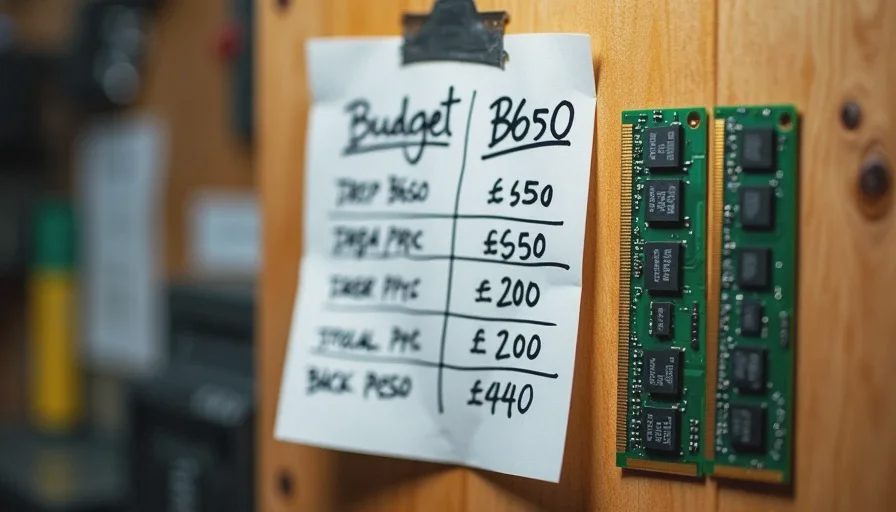
That 50 or 200 when you account for everything. For someone with a 190 matters. For someone with a $900 budget, it is less critical but still worth thinking about carefully.
When B550 Still Makes Sense
B550 is the right call when you are building on a tight budget and you do not care about upgrading the CPU in two years. Here are the situations where I would still recommend it without hesitation.
The B550 Use Cases
Budget gaming rig under $600 — the $190 you save can go toward a better GPU, which matters more for gaming than the platform ever will
Home server or NAS — AM4 handles 24/7 workloads fine, and used B550 boards are plentiful and cheap on the secondhand market
Office workstation — email, spreadsheets, and browser tabs do not need DDR5 bandwidth or PCIe 5.0
Build for a kid — my son Cody's machine runs on B550, and it is more than enough for his needs
The honest truth: if you are building a gaming PC and your total budget is under 190 extra on the platform means you are buying a weaker GPU. A B550 build paired with an RX 6600 XT will outperform a B650 build paired with an RX 6600 in every game that matters. The platform does not make frames — the GPU does. You are better off putting your money where the performance actually comes from.
When B650 Is the Right Call
B650 makes sense when you have room in the budget and you want the option to drop in a new CPU in two or three years without rebuilding the whole machine from scratch.
The B650 Use Cases
Budget above $800 — the $190 gap hurts less, and you get a more capable platform with a real upgrade path
Long-term build (3+ years) — AM5 will see new CPUs through 2027 and likely beyond, giving you a genuine upgrade path
Productivity workloads — DDR5 bandwidth helps with video editing, compilation, and heavy multitasking
Future-proofing matters to you — some people care about having the current platform, and that is a valid consideration
The mid-range PC build 2026 conversation has shifted toward AM5 for good reason. DDR5 prices have come down from the stratosphere compared to launch, B650 boards have dropped from their early prices, and the Ryzen 5 7600 is a genuinely solid CPU that outperforms anything available on AM4. If you can absorb the $190 gap without sacrificing your GPU budget, B650 is the smarter long-term play.
The Honest Answer for Your Budget
Here is the bottom line, stripped of all the forum noise and theoretical arguments:
Under $600: Go B550. Put the savings into the GPU. Do not feel bad about it — the platform is mature, stable, and performs fine for 1080p gaming. You are not leaving performance on the table by choosing AM4 at this budget.
800: This is a coin flip. If you do not plan to upgrade the CPU, go B550 and spend the difference on a better GPU or more storage. If you might swap in a newer chip in two years, stretch for B650 and accept the tighter budget elsewhere.
Above $800: Go B650. The upgrade path justifies the cost, and you will avoid the frustration of a dead-end platform when AMD releases their next CPU generation and you cannot use it.
I have built on both platforms this year. Both work. Both are stable. The difference is whether you are buying a machine for today or a platform for the next few years. That is the whole conversation — everything else is people arguing in comments about benchmarks that do not reflect how you actually use the computer.