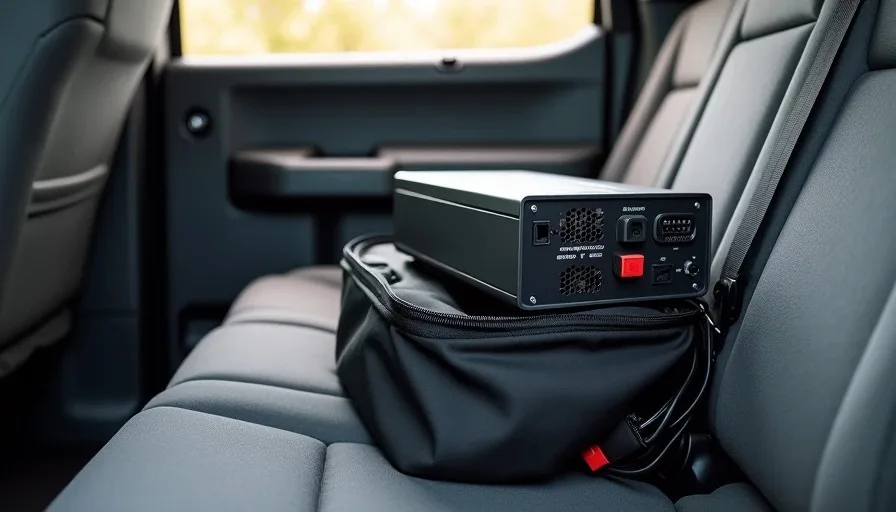
A power supply tier list real builders actually trust is the one you build from personal experience — not from a forum thread. I keep a spare PSU in my truck because in fifteen years of building and fixing PCs in Houston, the power supply is the component that fails most often and causes the most confusion when it does. Clients call me saying their PC "just died" or "won't turn on," and nine times out of ten, the PSU is where I look first. This post is about why that spare matters and what I've learned from emergency calls where a dead power supply was the culprit.
Why the Power Supply Fails First
The power supply is the hardest-working component in your PC. It converts 120V AC from the wall into stable DC voltages — 12V, 5V, and 3.3V — while handling heat, voltage spikes, and continuous load. Every other component gets clean, regulated power. The PSU takes the beating.
The Components That Wear Out
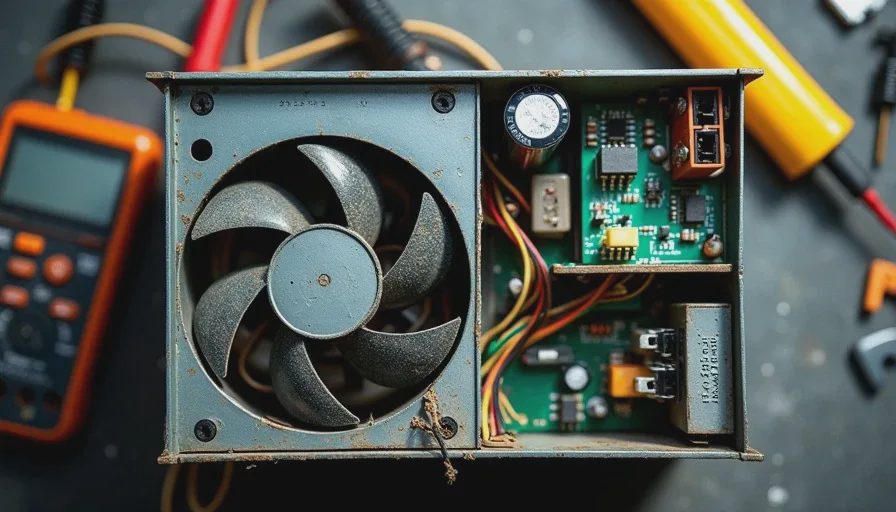
Inside a PSU, three things fail: capacitors, fans, and the bridge rectifier. Electrolytic capacitors degrade over time, especially in hot environments. A PSU running at 40°C ambient will age capacitors faster than one running at 25°C. The fan collects dust, bearings wear, and airflow drops. The bridge rectifier handles the initial AC-to-DC conversion and runs hot — if thermal paste or solder joints degrade, it can fail suddenly.
In Houston, where my garage hits 95°F in the summer and client machines often sit in poorly ventilated offices, heat accelerates all of this. A power supply tier list real builders use has to account for climate, not just wattage ratings.
Emergency Calls: Three Stories
I'm going to tell you about three calls from the last year where a spare PSU saved the day. Names changed, details kept real.
The Law Office That Went Dark
A small law firm in Spring called me on a Monday morning. Their main workstation — an older Dell with an i7-8700 and a modest GPU — wouldn't power on. The front LED was dead. No fan spin, no POST beep, nothing. They'd tried a different outlet, a different power cable, even unplugged everything and held the power button for 30 seconds.
I drove out with my spare: a 650W Seasonic Focus Gold I keep in a padded case in the truck. Swapped it in, plugged in the 24-pin and CPU 8-pin, and the machine booted on the first try. The old PSU's internal protection had tripped — likely a voltage surge over the weekend. Total fix time: 20 minutes. The firm was back to work before lunch.
The Streamer's Sudden Shutdown
A college kid in Katy had a custom build — Ryzen 5 5600X, RTX 3060, 32GB RAM — that kept shutting down mid-stream. He thought it was overheating. Temps were fine: CPU at 65°C, GPU at 70°C under load. I had him run OCCT's power test for ten minutes. The machine shut down at minute seven.
His PSU was a no-name 600W unit that came bundled with the case. Under sustained load, the voltage on the 12V rail dropped to 11.4V — below the ATX spec tolerance of 11.76V. The motherboard was protecting itself by shutting down. I swapped in my spare, ran the same test, and the 12V rail held steady at 12.05V. Problem solved.
The Server Closet Surprise
A dental office in The Woodlands had a small server closet with three workstations and a NAS. One morning, two of the three machines wouldn't boot. Same circuit, same surge protector. A power event had hit the strip, and two of the three PSUs had taken damage — not enough to trip protection, but enough to destabilize the 5V rail.
I had one spare in the truck and a second in the garage. Both machines were back up by 2 PM. The third machine — on a different circuit — was fine.
What Spec PSU to Keep as a Spare
You don't need a 1000W unit in your kit. You need something that covers 80% of the machines you're likely to encounter. For me, that's a 650W 80+ Gold unit with a modular cable set. Here's why:
Spec | What I Keep | Why |
|---|---|---|
Wattage | 650W | Covers most mid-range builds up to an RTX 4070 |
Efficiency | 80+ Gold | Reliable under sustained load, runs cooler |
Modularity | Fully modular | Fewer cables to deal with in tight cases |
Brand | Seasonic or Corsair | Consistent quality, known-good track record |
Form factor | ATX standard | Fits 95% of cases I encounter |
Cable set | Full set in the case | 24-pin, 2x CPU 8-pin, 2x PCIe 8-pin, SATA chain |
A power supply tier list real builders rely on isn't about brand loyalty — it's about units I've personally installed and watched run for years without issue. I've had Seasonic units last 8+ years under daily load. Corsair RM-series units have been equally reliable in my experience. I'm not interested in the budget end of the market for a spare. The spare exists to be the known-good reference point.
What to Check When a Machine Won't Boot
When a client calls and says their PC won't turn on, I run through this list before I even open the case. If you suspect the PSU, do the same.
Confirm the outlet works — plug in a lamp or phone charger
Check the power switch on the back of the PSU — it gets bumped during cleaning
Check the surge protector — a tripped breaker looks like a dead PC
Listen for the PSU click when you press the power button — no click means no power reaching the switch
Check the 24-pin ATX connection at the motherboard — it can work loose during transport
Check the CPU 8-pin connection — a loose CPU power cable causes no POST with fans spinning
Smell the PSU exhaust vent — a burnt smell means internal component failure
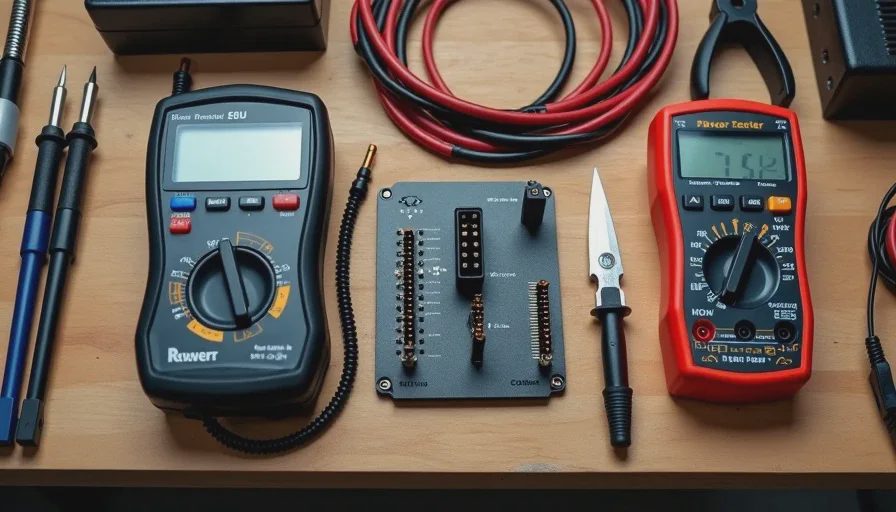
If you have a PSU tester, use it — a $10 tester checks voltage rails in 5 seconds
Paperclip test: jump the green wire to a black wire on the 24-pin — if the PSU fan doesn't spin, the PSU is dead
Swap in a known-good PSU — if the machine boots, you've confirmed the diagnosis
The Houston PC Builder's Spare Tire
I carry a spare PSU the same way I carry a spare tire in the F-150. Not because I expect to use it every trip, but because when I need it, nothing else works. A dead power supply turns a working machine into a paperweight, and the client can't tell the difference between a dead PSU and a dead motherboard. I can — but only because I've got a known-good unit to swap in and test with.
A power supply tier list real builders trust is built one emergency call at a time. Mine has Seasonic and Corsair at the top because they've never let me down on a job. Your list might look different based on what you've installed and tested. The point is to have the list — and to have a spare in the truck.
I turn it on so you don't have to.