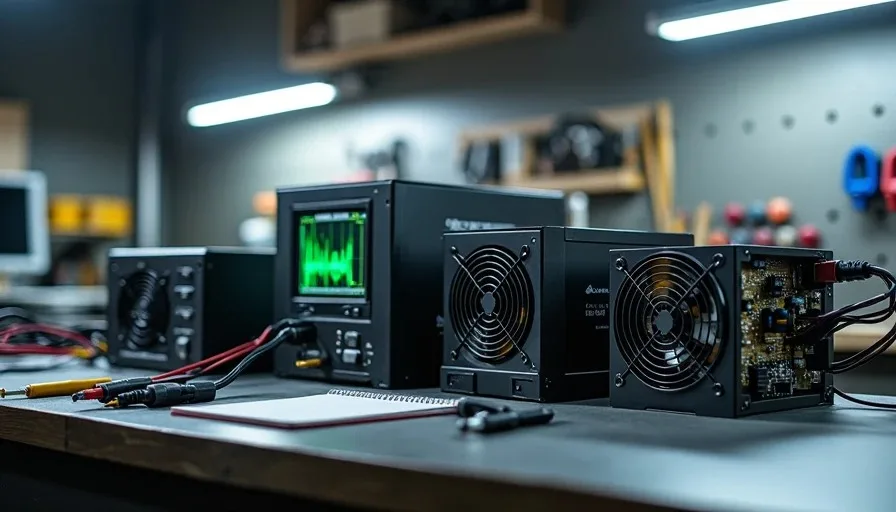
Three years ago a client brought me a machine that had killed two hard drives in eighteen months. The power supply was a no-name 600W unit that came with a forty-dollar case. When I put it on the load tester, the 12V rail dipped to 11.4V under 70% load and the ripple was off the chart. The unit was slowly cooking every component connected to it. That's why I keep a power supply tier list — real ratings based on units I've pulled apart, load-tested, and installed in machines that people depend on. Nobody pays me to rank these. Nobody sends me review samples. This is the list I consult before I spend my own money or a client's money on a PSU.
Why Wattage Isn't the Only Thing That Matters
A power supply's wattage rating is the number on the box. It tells you nothing about the quality of the power it delivers. Two 750W units can sit side by side — one costs fifty dollars, one costs a hundred and ten — and under load they behave completely differently.
The cheap one might voltage-spike when the GPU pulls hard. It might shut down at 80% of its rated wattage because it can't sustain the load. It might pass ripple through to the motherboard and slowly degrade capacitors on the board and the GPU. The expensive one runs cooler, stays within spec under transient loads, and shuts down cleanly when something goes wrong instead of taking other parts with it.
What Actually Separates Power Supplies
Factor | Why It Matters | How I Check It |
|---|---|---|
Voltage regulation | Components expect stable voltage; deviation causes instability | Load tester across 12V, 5V, and 3.3V rails |
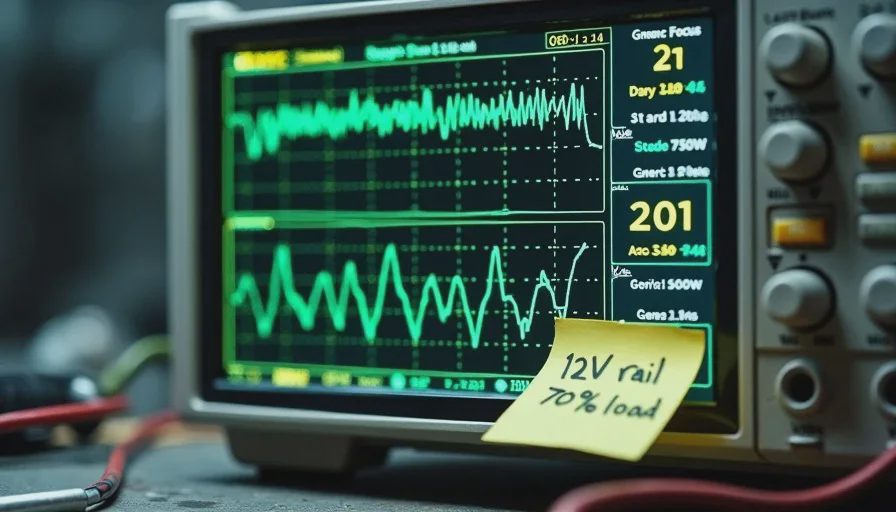
Ripple suppression | Excess ripple stresses motherboard and GPU capacitors over time | Oscilloscope reading under load |
Hold-up time | Time the PSU keeps outputting after input power is lost | Kill power and measure with scope |
Component quality | Japanese capacitors vs. cheap electrolytics — lifespan difference is years | Visual inspection after disassembly |
Protection circuits | OVP, OCP, OTP, SCP — how the PSU handles faults | Intentional fault testing on bench |
Transient response | How fast voltage recovers when load changes suddenly | GPU load spike testing |
Most reviews focus on wattage and efficiency certification. Efficiency matters for your power bill and heat output, but a Bronze unit with clean regulation is safer than a Gold unit with sloppy ripple. I've seen Gold-rated units fail my load tests while Bronze units from reputable OEMs passed with room to spare. The sticker on the side of the unit is marketing. The oscilloscope trace is the truth.
The Tier List — What I Actually Recommend
I organize this into four categories based on installation count, failure rate, load test results, and whether I'd trust the unit in a machine that earns someone's paycheck. Every unit listed here I have either personally installed or pulled from a dead machine.
Tier 1 — I'll Put This in a Client Machine
These are the units I order without hesitation. Low failure rate across dozens of installations, tight voltage regulation, and they handle transient loads from modern GPUs without tripping protection.
Unit | Platform | Notes |
|---|---|---|
Seasonic Focus Plus Gold (GX) | Seasonic in-house | Quiet, compact, 10-year warranty. My go-to for gaming builds. |
Corsair RMx (2021/2024) | CWT | Dead silent fan curve, Japanese caps throughout. The Gold standard for client workstations. |
Corsair RMe (2023) | CWT | Budget version of RMx with a rifle bearing fan instead of mag-lev. Still solid. |
EVGA SuperNOVA G7 | FSP | Gold efficiency, semi-fanless mode, EVGA's warranty support is reliable. |
be quiet! Straight Power 12 | FSP | The quietest ATX 3.0 unit I've tested. Premium price, premium build. |
Super Flower Leadex VII | Super Flower in-house | The OEM behind older EVGA SuperNOVA units. Bulletproof platform. |
Thermaltake Toughpower GF3 | CWT | Native 12VHPWR connector, ATX 3.0, competitive pricing for the feature set. |
These units share a common thread: they use quality capacitors, the platforms are proven across multiple generations, and the warranty periods are long enough that the manufacturer is betting on their own reliability. A 10-year warranty on a power supply means the company expects the unit to last a decade.
Tier 2 — Good Enough for Most Builds
These are the units I use when the budget doesn't allow Tier 1 but I still need a machine that won't develop mysterious problems in six months. Slightly higher ripple than Tier 1, but still within ATX specification.
Unit | Platform | Notes |
|---|---|---|
Corsair CX650 / CX750 (2023) | CWT | Bronze, semi-modular. I've installed these in budget builds for two years. Zero failures. |
MSI MAG A650BN | CWT | Basic Bronze unit, non-modular. Fine for a locked-down office machine. |
ASUS TUF Gaming 650B | Great Wall | Bronze, sleeve bearing fan. The fan will be the first thing to go. The electronics are sound. |
NZXT C750 Bronze (2024) | CWT | Semi-modular Bronze. Better than the older C-series Bronze. |
FSP Hydro G Pro | FSP in-house | Gold, fully modular, conformal coating for humid environments. Underrated unit. |
These are honest power supplies at honest prices. They won't set efficiency records and their fan curves aren't silent, but they deliver clean power and they don't fail in predictable ways.
Tier 3 — Budget-Conscious, Not Reckless
These are the floor. I use them in machines where the hardware isn't expensive enough to justify a Tier 2 unit — think office PCs with integrated graphics, or a media server that idles most of the day.
Unit | Platform | Notes |
|---|---|---|
Thermaltake Smart BM2 550W | CWT | Semi-modular Bronze. The old Smart series was bad. The BM2 is passable. |
EVGA 500 BR | HEC | Bronze, non-modular. Three-year warranty tells you what EVGA thinks of it. |
Cooler Master MWE Bronze V2 550W | HEC | Non-modular. Acceptable ripple, budget fan. Don't push it past 80% rated load. |
be quiet! System Power 10 550W | HEC | Bronze, non-modular. Quiet for the price. Use only in low-power builds. |
The gap between Tier 3 and Tier 1 is roughly forty to sixty dollars. If your components cost over a thousand dollars combined, that gap is the cost of insurance on the whole machine. I write this knowing some people will ignore it, buy the forty-dollar unit, and call me when their machine develops random shutdowns. That's fine. I charge by the hour.
Tier 4 — I Wouldn't Run This in a Parts Washer
Units I've seen fail — sometimes catastrophically — or units built on platforms known to produce out-of-spec ripple and voltage. I've pulled every brand on this list from dead machines.
Unit / Brand | What Happens |
|---|---|
Generic "600W" units from case bundles | Voltage sags under any real load. I've measured 11.2V on the 12V rail at 50% load. |
Apevia | Group-regulated designs that can't handle cross-loading from modern hardware. |
Diablotek | I have seen one of these catch fire. Literally. Smoke from the exhaust. |
Old Raidmax units | Poor soldering, undersized heatsinks, caps that bulge after two years. |
Logisys | The unit that killed two hard drives in eighteen months. Still angry about this one. |
Gamemax | Fake 80 Plus ratings. There are Reddit threads about this. Read them before you buy. |
If you have one of these in a machine right now, the machine works, and you're reading this with mild concern — replace the unit. Not next month. This week. A Tier 2 unit costs sixty bucks. A dead GPU costs a lot more.
How I Test a Power Supply
I keep an old ATX load tester and a basic oscilloscope on the bench. When a new PSU model comes out and I'm considering stocking it, I buy one unit, run it through a burn-in cycle, and check the numbers.
The process is simple: load the 12V rail to roughly 70% of rated capacity for two hours, check voltage and ripple at the start and end. Then spike the load to simulate a GPU transient — modern cards can jump from 50W to 250W in a fraction of a second — and watch how fast the voltage recovers. Good units barely flinch. Bad units dip, oscillate, and sometimes trip protection.
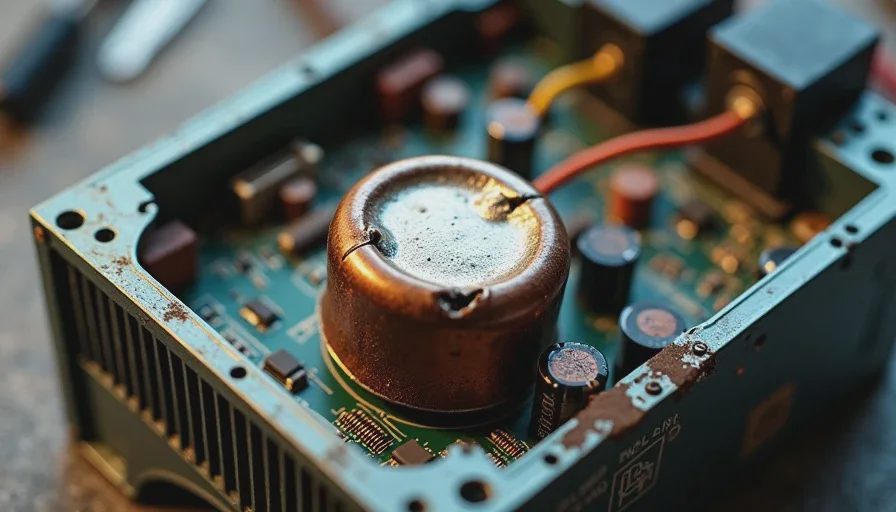
I also open units that have failed to understand why they failed. The most common failure points are cheap capacitors that bulge or leak, undersized heatsinks that cook secondary-side components, and fan bearings that seize. These aren't mysteries. They're manufacturing decisions.
What to Actually Buy
If you're building a machine right now and want a power supply recommendation that works for most mid-range to high-end builds, here's where I'd start:
For a gaming rig with a mid-range GPU: Corsair RM750e. Around a hundred dollars, ATX 3.0, quiet, and I've installed enough of these to trust them.
For a budget build: Corsair CX650 (2023). Sixty-five dollars, semi-modular, never had one fail.
For a high-end build with a power-hungry GPU: Seasonic Focus Plus Gold 850W or the be quiet! Straight Power 12 850W. Both handle transient loads cleanly.
If you're choosing something not on this list, look up the OEM platform. CWT, Seasonic, Super Flower, and FSP build quality units across multiple brands. HEC has some decent budget platforms. Andyson varies — some platforms are solid, others aren't. Group-regulated designs are outdated for modern hardware regardless of brand.
I'm not telling you to spend two hundred dollars on a power supply. I'm telling you that the forty-dollar unit in your cart right now is the one component that can destroy everything else in the case. Budget accordingly.
I turn it on so you don't have to.