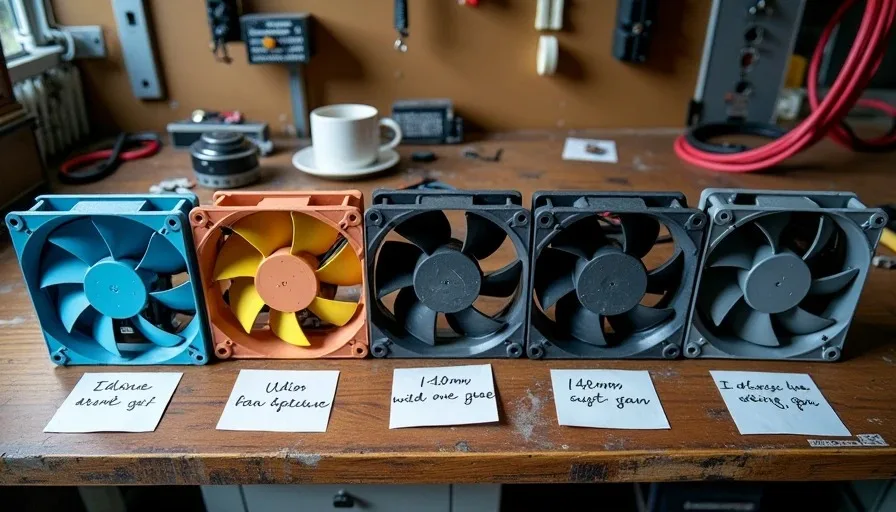
The first case fan I ever killed was a clear plastic 120mm unit with blue LEDs that came in a four-pack for $14. I was 22, the fan was in the side panel of a beige Chieftec Dragon, and it seized after about four months of pulling Houston humidity through that mesh. The bearing — a sleeve bearing with the lifespan of a mayfly — had dried out, and the fan just stopped spinning. I didn't notice until my Athlon XP started throttling in the middle of a Counter-Strike match. That fan wasn't the last one I killed, and every failure since has taught me something about what a quiet PC build actually costs — not in dollars, but in knowing which shortcuts you'll pay for later.
The Five Fans That Didn't Make It
Over roughly 20 years of building and repairing PCs in this garage, I've installed somewhere around 300 case fans. Most are still spinning. These five aren't — or I wish they weren't.
Fan #1: Cheap Sleeve Bearing 120mm (2004)
This was the blue LED fan from the four-pack. Sleeve bearings use a shaft rotating inside a lubricated sleeve. They're quiet when new, which is why they show up in every budget case on the market. The problem is orientation sensitivity — mount them horizontally (like in a top exhaust) and the lubricant migrates away from the bearing surface over time. They dry out, they rattle, and then they seize.
Lesson learned: never put a sleeve bearing fan in a horizontal orientation. If you must use sleeve bearing fans, keep them vertical and expect to replace them every 18-24 months in a dusty environment.
Fan #2: No-Name Rifle Bearing 140mm (2011)
Rifle bearings are an improvement over sleeve — they have spiral grooves that pump lubricant back toward the bearing. In theory, this means longer life and better orientation tolerance. In practice, the no-name Chinese 140mm I bought on a forum deal had grooves that were apparently machined with a dull chisel. It rattled on day one, got louder by week three, and seized somewhere around month eight. The bearing type matters less than the quality of the manufacturing behind it.
Fan #3: High-CFM Delta Clone 120mm (2015)
This was stupid and I knew it was stupid when I bought it. A "high-performance" fan advertised at 3,000 RPM and 110 CFM for $8. It moved air like a leaf blower and sounded like one too — 48 dB at full speed, measured with a phone app about three feet from the case. Worse, the motor had an audible whine at every PWM setting below about 60%. It didn't die — I threw it in the trash after two weeks because my wife could hear it from the living room. A quiet PC build and a 3,000 RPM fan are mutually exclusive concepts.
Fan #4: Magnetic Levitation Fan From a Kickstarter Brand (2019)
I backed it. I waited six months. I installed it, and it was actually quiet — for about three months. Then the motor controller developed a clicking sound at low RPM that I could hear across the garage. The magnetic levitation bearing itself was fine, but the PWM circuitry was junk. The fan still technically spins if I run it at a fixed 60% duty cycle, but I can't recommend something that needs a workaround to be usable.
Fan #5: Fluid Dynamic Bearing Fan With a Bad Frame (2022)
This one stung because the bearing was excellent — a legitimate FDB from a known OEM, dead quiet even at 1,200 RPM. But the frame had a resonance at exactly 950 RPM that turned the entire fan into a vibration generator. Tighten the screws, it vibrated the case. Use rubber mounts, it still vibrated. The frame material was too thin and the blade count created a harmonic that the frame couldn't dampen. An expensive bearing in a cheap frame is just an expensive problem.
The Fan Failure Summary
Fan | Bearing Type | RPM Range | Failure Mode | Lifespan |
|---|---|---|---|---|
Sleeve 120mm (budget) | Sleeve | 1,200 fixed | Lubricant dry-out, seize | 4 months |
No-name rifle 140mm | Rifle (poor machining) | 800-1,500 | Manufacturing rattle, seize | 8 months |
Delta clone 120mm | Dual ball (claimed) | 3,000 | Noise at all speeds, motor whine | 2 weeks (retired) |
Kickstarter mag-lev | Magnetic levitation | 400-1,800 | PWM controller clicking | 3 months |
FDB with bad frame | Fluid dynamic bearing | 600-1,500 | Frame resonance at 950 RPM | Immediately apparent |
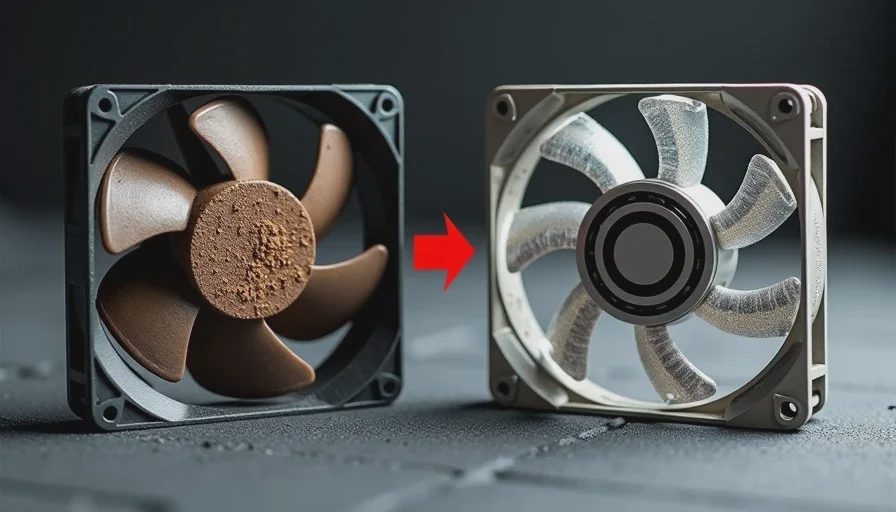
Bearing Types Explained Without the Marketing Jargon
The bearing is the single component that determines a fan's noise floor and lifespan. Everything else — blade design, frame stiffness, motor quality — matters, but the bearing is the foundation. Here's what each type actually means for your build:
Bearing Type | Typical Lifespan | Noise Profile | Orientation Tolerance | Price Range (120mm) |
|---|---|---|---|---|
Sleeve | 20,000-30,000 hours | Quiet when new, degrades | Poor — horizontal kills it | $3-8 |
Rifle | 40,000-60,000 hours | Slightly more than sleeve | Moderate | $5-12 |
Fluid Dynamic (FDB) | 80,000-150,000 hours | Very quiet, stable over time | Excellent | $12-25 |
Dual Ball Bearing | 60,000-100,000 hours | Slight motor noise, stable | Excellent | $10-20 |
Magnetic Levitation | 100,000-200,000 hours | Quietest, no contact wear | Excellent | $20-35 |
For a quiet PC build, FDB and magnetic levitation are the two bearing types worth your money. The key difference isn't the peak noise under load — most quality fans are quiet at 800 RPM regardless of bearing type. The difference is what happens at low RPM, where you'll actually run your fans 90% of the time. Sleeve and rifle bearings can develop an audible tick or rattle at very low speeds because the lubricant film isn't fully established. FDB and mag-lev bearings maintain that film — or have no contact at all — across their entire RPM range.
The RPM Sweet Spot
I've tested enough fans on enough radiators and in enough cases to know that the magic number is around 1,000 RPM for 120mm and 800 RPM for 140mm. At these speeds, even average fans are quiet, and good fans are nearly silent. Above 1,200 RPM on 120mm, you start hearing air turbulence regardless of bearing quality. The blade noise overtakes the bearing noise, and the advantage of a premium fan shrinks.
A quiet PC build isn't about buying the most expensive fans. It's about buying enough fans that you can run them all at low RPM and still move adequate air. I'd rather have four 25 fans at 1,500 RPM.
What I Buy Now — And Why
After all the failures, I've settled into a pattern that's boring and reliable. Here's what goes into my builds and my personal machines:
For Case Intake and Exhaust
I use high-quality FDB 140mm fans whenever the case supports them — and I choose cases that support 140mm for this reason. A 140mm fan at 800 RPM moves roughly the same air as a 120mm at 1,100 RPM, but it does it quieter because the larger blades don't need to spin as fast. The specific fan I use most often is whatever the reputable FDB option is in the $15-18 range — Arctic P14, be quiet! Silent Wings, or the Noctua NF-A14 redux-series equivalent. Nothing exotic, nothing from a Kickstarter.
I buy five-packs when they're available. A five-pack of Arctic P14 PWM PST runs about 7-8 per fan, you get an FDB bearing, a 10-year warranty from a company that actually honors it, and PST (power sharing technology) daisy-chaining that reduces cable clutter. I've installed about 40 of these in client builds over the past three years. Zero failures. Zero bearing noise complaints.
For Radiators and Restricted Airflow
Radiator fans need higher static pressure to push air through dense fin stacks. The same FDB 120mm fans work here, but I step up to the higher-pressure variants — Arctic P12 Max or the standard P12 PWM at a higher curve. I don't use 140mm fans on radiators unless the radiator is specifically designed for them, because 140mm-to-120mm adapter brackets create leak paths and look terrible.
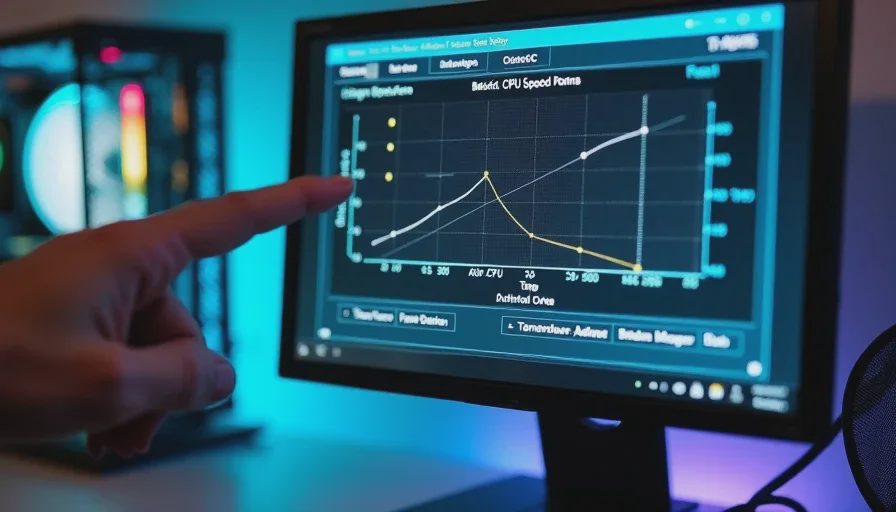
The Fan Curve I Set Every Time
I don't use the default motherboard fan curves. They're always too aggressive — ramping fans up at 50 degrees CPU temp when the chip is designed to run at 70 all day. Here's the curve I set on every build:
CPU Temp | Fan Speed (120mm) | Fan Speed (140mm) | Reasoning |
|---|---|---|---|
0-40°C | 30% (~500 RPM) | 25% (~400 RPM) | Idle, nearly silent |
40-55°C | 40% (~700 RPM) | 35% (~550 RPM) | Light load, still quiet |
55-70°C | 55% (~900 RPM) | 45% (~700 RPM) | Gaming load, audible but not annoying |
70-80°C | 75% (~1,200 RPM) | 65% (~1,000 RPM) | Heavy load, fans clearly working |
80°C+ | 100% | 100% | Emergency ramp, something is wrong |
A Few Things That Don't Matter For Noise
While we're here, let me save you some money on things that don't make a measurable difference in a quiet PC build:
Anti-vibration mounting grommets on the fan. Rubber corner pads help marginally with frame-to-case vibration, but if your fan frame resonates at a specific RPM, no grommet will fix it. Buy a fan with a stiff frame instead.
Fan grilles with aerodynamic patterns. The honeycomb grille on your case is the restriction, not the round wire grille on the fan. Don't pay extra for "low-turbulence" fan grilles.
"Silent" fan screws. Rubber pull-through mounts work fine for decoupling the fan from the case, but standard screws with a gentle touch achieve the same thing. You're not mounting a subwoofer.
Dual ball bearing for silence. Dual ball bearings have more inherent motor noise than FDB bearings at low RPM. They last a long time and handle heat well — which is why servers use them — but they're not the quietest option for a desktop.
The Quiet PC Build Philosophy
A quiet PC build isn't about one fan. It's about the system. You can put six 10 fans in a case with a solid front panel and acoustic damping. The case, the fan count, the fan size, the curve, the ambient noise floor of your room — it all matters.
Here's my stack-ranked priority list for noise reduction in order of impact:
More fans at lower RPM — 4+ case fans at 600-800 RPM will be quieter and cooler than 2 fans at 1,200 RPM
140mm over 120mm — larger blades move more air per revolution, meaning lower RPM for the same airflow
FDB or mag-lev bearings — the noise floor of your fans at low RPM is determined by the bearing, not the blades
Solid front panel over mesh — direct noise paths matter more than unrestricted airflow for most non-enthusiast builds
Custom fan curve — motherboards ship with curves designed to impress reviewers in stress tests, not to be quiet in daily use
I've killed enough fans to know which ones make noise and which ones make sense. The ones in my personal rig right now are boring, black, 140mm, and spinning at about 600 RPM as I write this. I can hear the refrigerator in the kitchen. I can hear the air conditioner cycling on. I can't hear my computer. That's the point. I turn it on so you don't have to.