
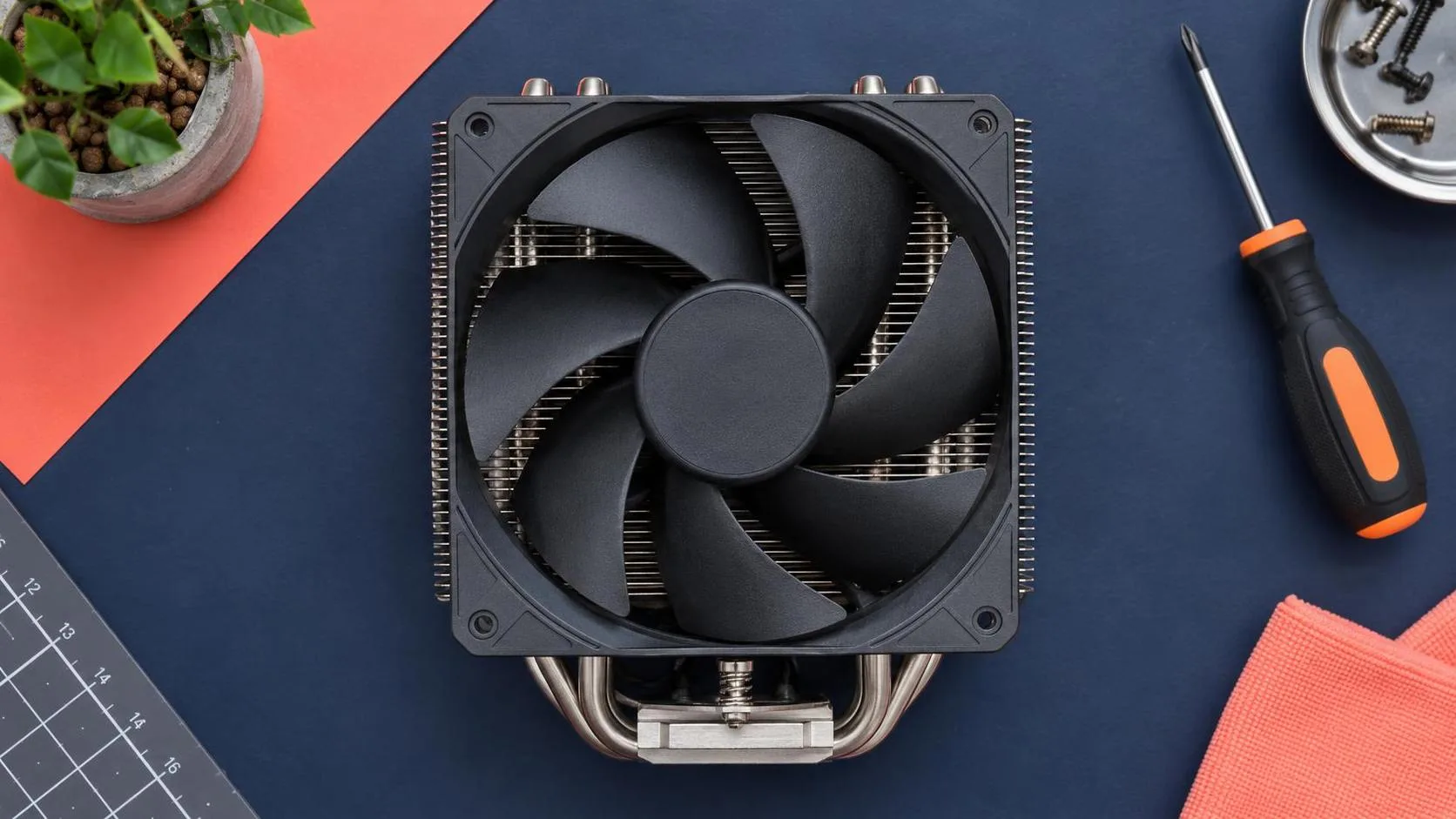
A vague part number is how a simple PC build turns into an afternoon of returns. The thermalright tr m10 cannot be reliably identified from the name alone, so I would not order it until the seller confirms exactly what the item is and how it fits the build. I also can’t verify its specifications, price, or performance, and I haven’t tested it. That makes this a listing-check guide, not a review.
If you’re shopping for a CPU air cooler, Noctua’s NH-U12S line is an alternative worth researching for a conventional tower-cooler build, while DeepCool’s AK400 line is another option to compare for a single-tower setup. Neither is a substitute until you verify your socket, case clearance, and the exact model’s specifications. If the item you found turns out to be something other than a CPU cooler, those alternatives won’t answer the question; identify its actual category first.
Start with the listing, not the headline
Search results and marketplace titles can mix manufacturer names, abbreviations, and seller-written descriptions. The thermalright tr m10 name by itself doesn’t establish whether you’re looking at a cooler, an accessory, a different component, or a mistaken listing. Don’t assume a photo settles it, either. A seller can attach the wrong image to a product page.
Look for the complete manufacturer part number on the packaging or product label. Compare it with an official Thermalright product page or documentation, including the item’s name and intended use. If the seller only provides a shorthand title, ask for a clear photo of the label and a link to the manufacturer’s matching documentation.
Check that the photos, description, and included parts agree. A listing with a tower-cooler photo but no mention of mounting hardware, for example, deserves a question before checkout. That inconsistency doesn’t prove anything is wrong; it means you don’t yet know what will arrive.
Check fit before comparing performance
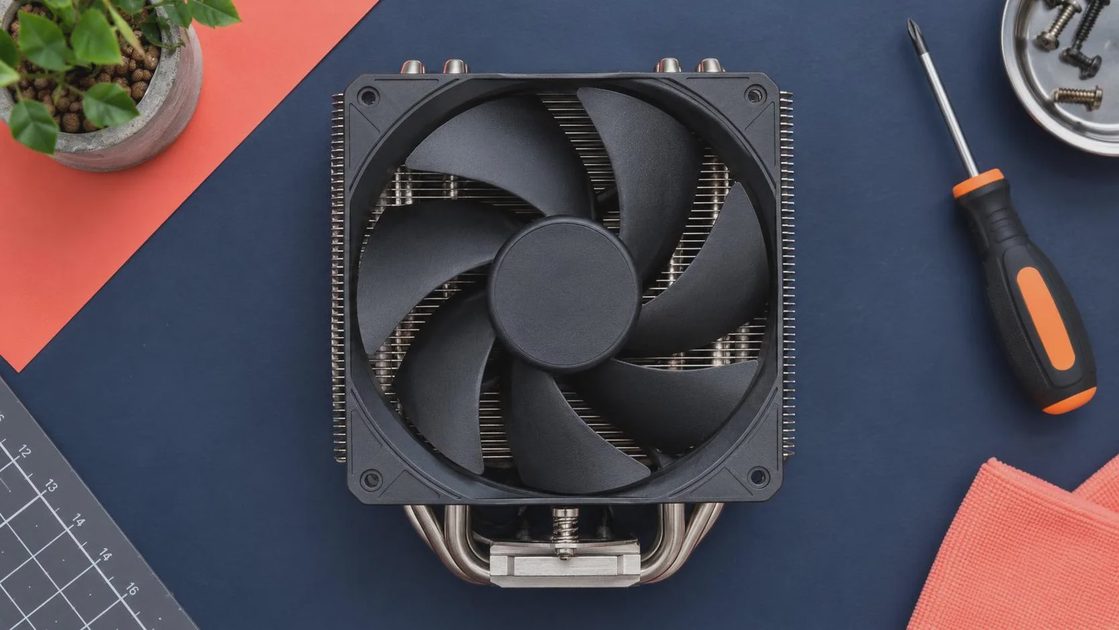
Once you know what the thermalright tr m10 listing actually describes, check compatibility against the parts you already own. The details depend on the component. A CPU cooler needs different checks from an SSD accessory or a case fan. Don’t apply a cooler’s clearance numbers to an item until you’ve established that it is a cooler.
For a CPU cooler, find the exact processor socket on your motherboard and confirm that the cooler includes the correct mounting hardware. A product page saying “Intel and AMD compatible” isn’t enough: both companies have used multiple sockets. Also check whether a required bracket is in the box or sold separately.
Next, compare the cooler’s stated height with the case manufacturer’s maximum CPU-cooler clearance. Look at memory clearance and the position of nearby motherboard heatsinks too. A cooler can fit inside the case and still crowd tall RAM. Measurements and diagrams for the exact cooler and motherboard are more useful than a generic claim that it fits most systems.
For a fan or other powered accessory, identify the connector and where it plugs in. A four-pin fan header, an RGB header, and an addressable RGB header do different jobs. Don’t force a plug into a header just because the pins look close. Use the motherboard manual to identify the header and check its electrical limits.
What a real performance comparison needs
There’s no verified temperature or noise result here for the thermalright tr m10. Any seller promising a particular temperature drop without identifying the test system and conditions is giving you a number you can’t use. Cooling results depend on the processor, power settings, case airflow, room temperature, fan speed, and workload.
If this is a cooler, look for independent measurements on a system close to yours. Check whether the reviewer held fan noise or fan speed consistent when comparing products. A cooler running its fan harder may produce a lower temperature while making more noise. That may be a fair trade for you, but the comparison should make it visible.
For a quiet build, the useful question isn’t simply which part posts the lowest temperature. It’s whether the processor can run your workload without overheating or excessive fan noise in your case. A hotter room makes that job harder, so leave some margin instead of choosing solely by a result recorded in a cool test room.
Inspect the seller and the return terms
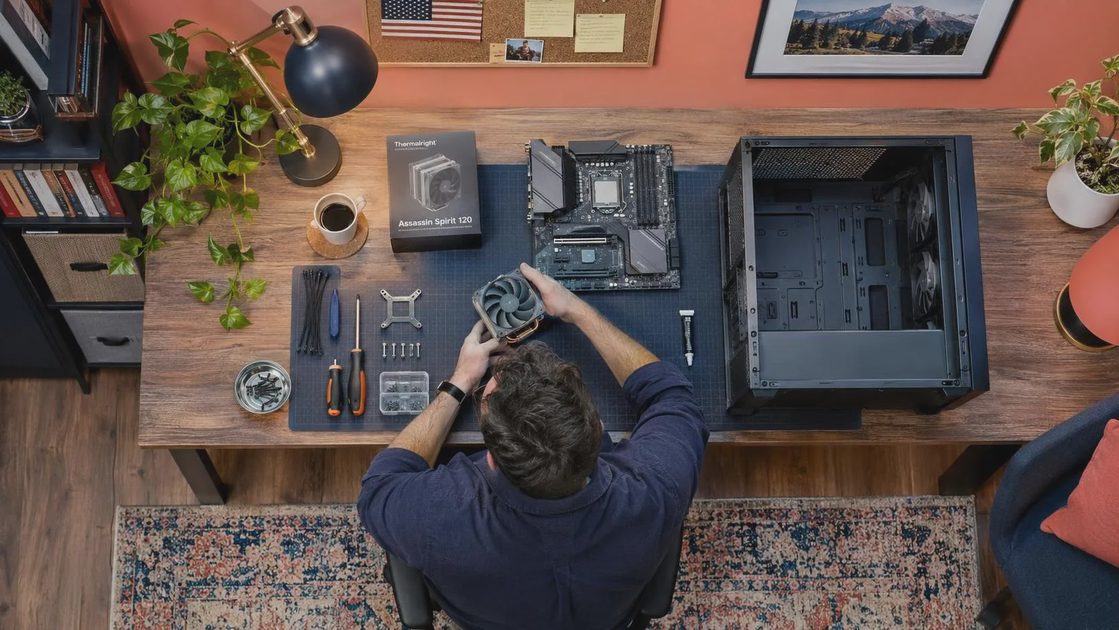
Even after the thermalright tr m10 has a verified identity, check who is selling it and what condition it’s in. A marketplace page can contain offers from different sellers, and their return rules may differ. Read the specific offer you’re selecting rather than relying on the platform’s general reputation.
Confirm whether the item is new, used, or open-box, and whether all mounting parts and cables are included. Missing brackets can turn a cheap cooler into an expensive wait. Ask who handles a defective item and whether return shipping is your responsibility. Keep the listing and order confirmation until the part is installed and working.
Be careful with a listing that has no model label, no manufacturer documentation, and a price that seems unusually low compared with clearly identified parts in the same category. A low price alone doesn’t prove a problem. It also doesn’t fix an identification problem.
What to do when the part arrives
Before opening sealed packaging, compare its model number and description with your order. If they don’t match, photograph the label and contact the seller. Don’t modify the part or force it into place while you’re deciding whether it’s correct.
For a confirmed CPU cooler, follow its installation instructions and the motherboard manual. Check that the mounting pressure is even, connect the fan to the appropriate CPU fan header, and make sure the fan blades turn freely before closing the case. On the first boot, enter the motherboard setup screen and check that the CPU temperature and fan reading look sensible. Shut down and investigate if the fan isn’t spinning or the temperature climbs rapidly.
The next move is simple: pull up the thermalright tr m10 listing and find the full part number. If the seller can’t provide one you can match to documentation, spend your time on a clearly identified part instead.