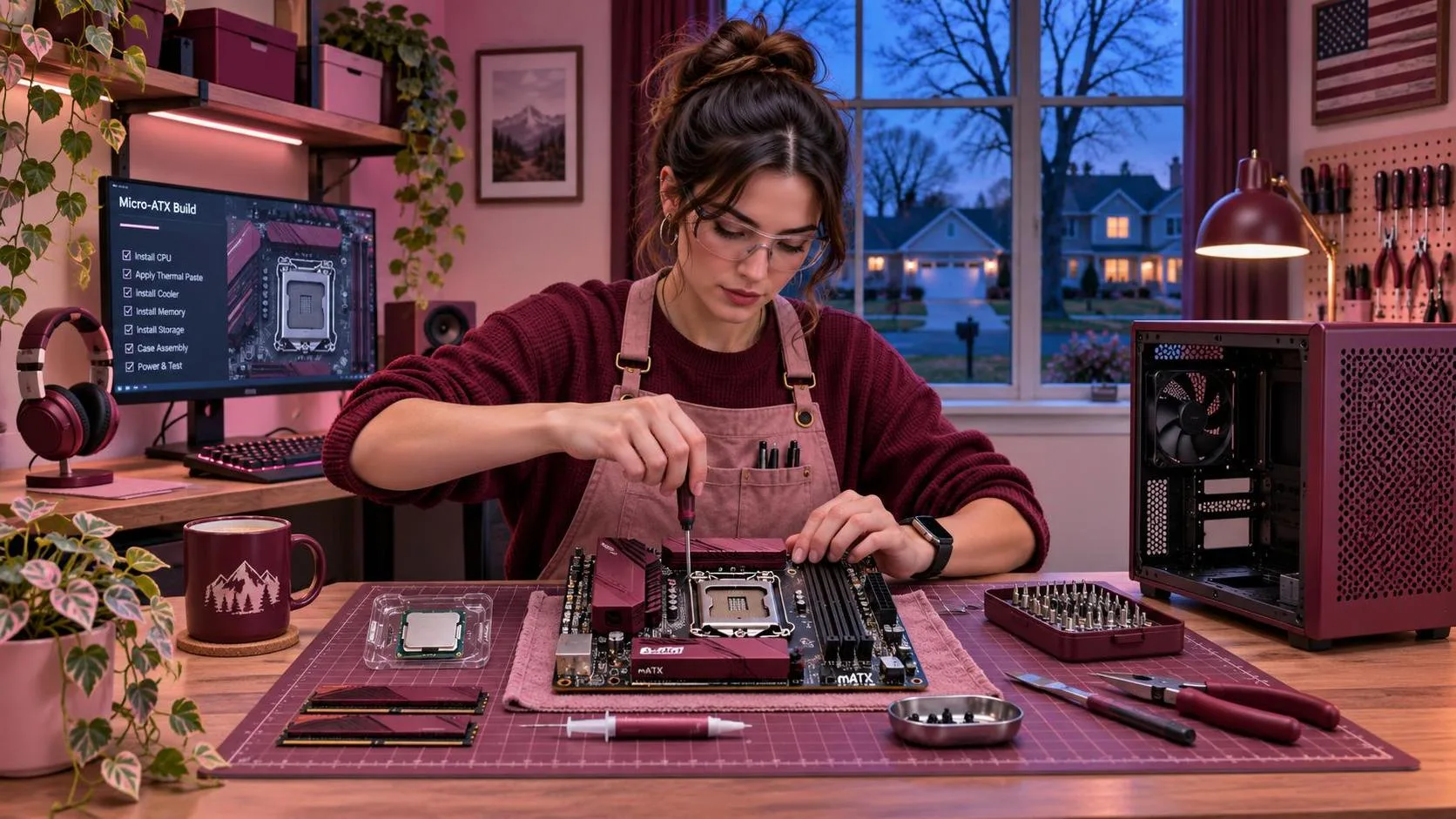
The mistake that sends a new build back to the parts list is simple: buying a board for its chipset badge instead of its connections. An AM5 mATX motherboard is a good fit for a compact Ryzen gaming PC or workstation, but check CPU support, case clearance, storage slots, and rear ports before you order. For most builds, a reasonably equipped B650 board is a sensible place to start; you don't need a flagship just to run a gaming CPU.
Three boards worth comparing
Start your shortlist with the MSI MAG B650M Mortar WiFi if you want a more fully equipped mATX build, the ASUS TUF Gaming B650M-Plus WiFi if you want a gaming-focused alternative, or the ASRock B650M Pro RS if you're watching the budget and don't need every extra. These are comparison points, not a claim that I've tested them. Check the exact model and revision before buying: Wi-Fi and non-Wi-Fi versions can differ, and stock and pricing move around.
Which one makes sense depends on the rest of the machine. A gaming build with one graphics card and one SSD has different needs from a workstation with multiple drives and a capture card. Look at the board's rear I/O photo and manual, not just the product title. Count what you intend to plug in today, then leave a little room for tomorrow.
Don't assume a higher-priced AM5 mATX motherboard will make the same CPU and graphics card noticeably faster in games. Extra money often buys connectivity, expansion, or power delivery capacity. Those can matter, but only if your build can use them.
Check the CPU and BIOS before the box arrives
AM5 boards use AMD Ryzen desktop processors made for the AM5 socket. They do not take older AM4 processors, and they use DDR5 memory, not DDR4. That sounds obvious until you're reusing parts from an older machine and find out your perfectly good RAM has nowhere to go.
Socket compatibility is only the first check. Find the exact motherboard on the manufacturer's support page, open its CPU support list, and find your processor. Note the minimum BIOS version listed. A board manufactured before a particular CPU was supported may need an update before it can boot with that chip.
A BIOS flashback feature can be useful here: on boards that support it, you can update the firmware without a working supported CPU installed. Names and procedures vary by manufacturer, and not every board has the feature. Confirm it on the exact model, follow its instructions for the USB drive and file name, and don't interrupt power during the update.
After the first successful boot, check that the board sees the full memory capacity and your storage drives. You can enable the memory's EXPO profile in BIOS if supported, but do that after the machine boots reliably at default settings. If it becomes unstable, return to defaults and troubleshoot rather than assuming the CPU is bad.
What to inspect on an AM5 mATX motherboard
Storage comes first. Count the M.2 slots for NVMe drives and the SATA ports for any older SSDs or hard drives. Then read the manual's expansion and storage notes. Depending on the board, certain slots or ports may share bandwidth or have restrictions. A second M.2 socket is no bargain if using it disables a connection your build needs.
Next, look at the rear ports. Count the USB devices you actually use: keyboard, mouse, headset, webcam, external drive, and anything else that stays plugged in. Check for USB-C if you need it, and make sure its speed meets your use. A USB-C port is a connector shape, not a promise of one particular transfer speed.
For networking, decide whether you need Wi-Fi or can run Ethernet. If wireless matters, buy a version that includes it or budget for an adapter. Also check the board's network specifications rather than assuming every similarly named model has the same hardware.
Finally, look at internal headers. Front-panel USB-C on a case needs a compatible motherboard header; a USB-C port on the back doesn't solve that problem. Count fan headers too. A splitter can connect compatible fans to one header, but stay within the header's rated power and current limits in the manual.
Fit, cooling, and expansion
Micro-ATX is a smaller board format than standard ATX, but that doesn't mean every compact case accepts it. Check the case's supported motherboard sizes. Then check graphics-card length and thickness, CPU cooler height, and radiator clearance separately. A case can support mATX and still be a bad match for the rest of your parts.
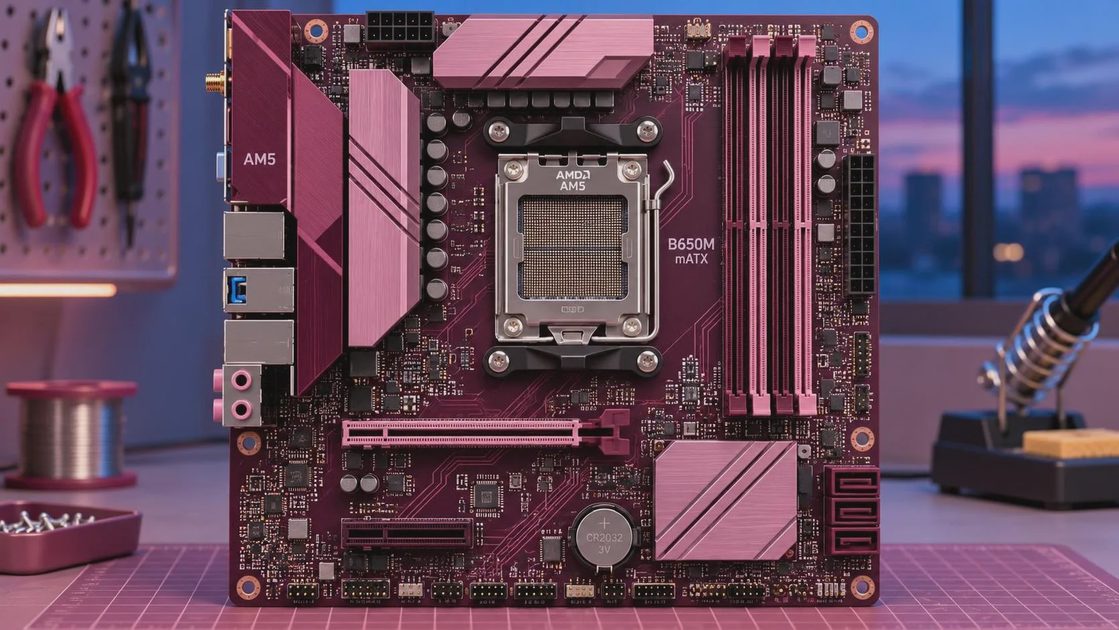
A thick graphics card can cover the expansion slot below it. Before buying an AM5 mATX motherboard for a capture card or other add-in card, compare the board's slot layout with the GPU's thickness and the case's available openings. Don't count a slot you can't physically reach.
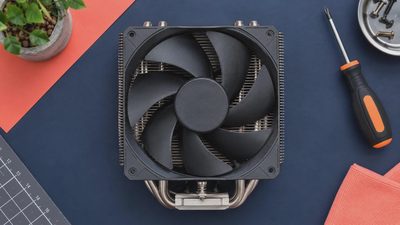
For cooling, give the case a clear intake and exhaust path. A mesh-front case with appropriately placed fans is generally a better starting point than a sealed box stuffed with hot parts. Check that the cooler supports AM5 and fits both the case and your memory clearance. The board's VRM heatsinks matter more with a demanding CPU under sustained heavy work than they do in an ordinary gaming build; avoid judging them by size or appearance alone.
Make the final parts-list check
Before you click buy on an AM5 mATX motherboard, pull up three things side by side: the motherboard manual, the case specifications, and the CPU support list. Verify the exact board name, supported BIOS version, front USB header, drive connections, and the physical space around the graphics card.
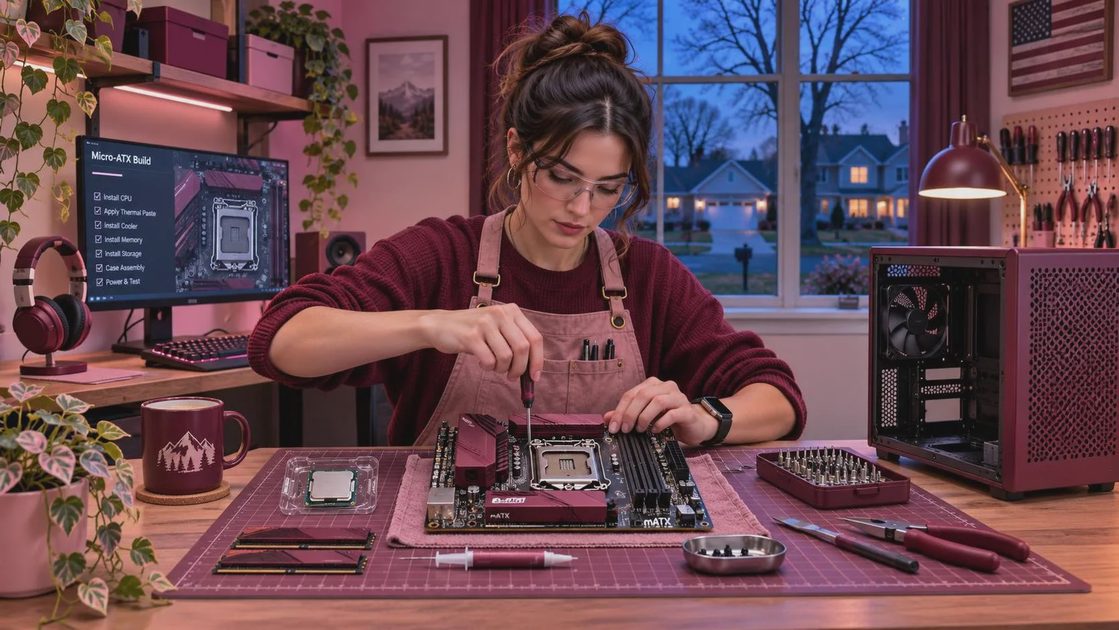
Then check the retailer's return policy and what comes in the box. Antennas, cables, and mounting hardware can vary by package. Once the parts arrive, inspect the socket and install the CPU carefully; AM5 socket pins are on the motherboard, and damaged pins can turn a straightforward build into an expensive afternoon.
The right board isn't the one with the longest feature list. It's the one that connects your actual parts, fits your case, and leaves you enough budget for the CPU, graphics card, storage, and cooling you need. Open that manual now and check those five connections before the order goes in.