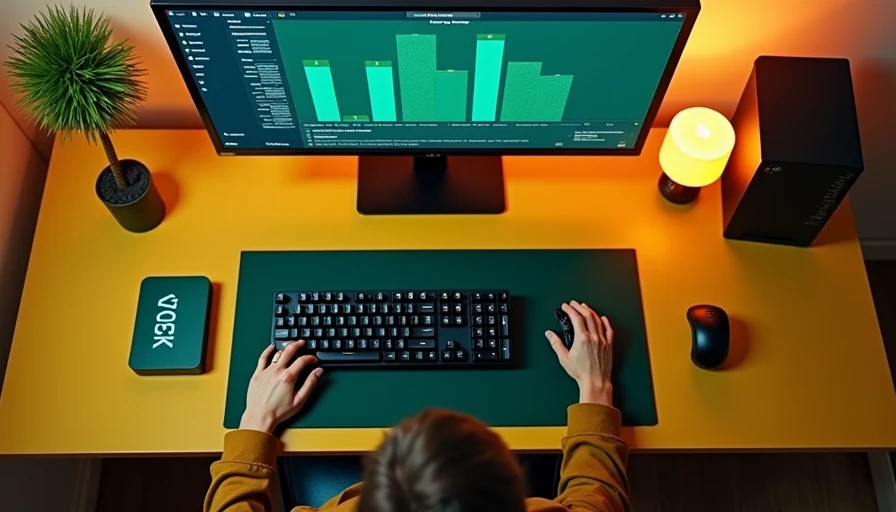
The last build I finished on my garage bench had a perfectly good graphics card, fast DDR5 memory, and a cooling plan that was dumb. The builder had spent extra money on the CPU brand debate and almost nothing on airflow. That is why intel vs amd processors for gaming needs a practical answer, not another chart with tiny bars. Both companies make excellent gaming chips. The right choice depends on the games you play, your graphics card, your monitor, heat, budget, and whether you plan to upgrade the machine later.
Where the frame rates really come from
For most gaming PCs, the graphics card still does the heavy lifting at 1440p and 4K. If you pair a modern midrange processor with a strong GPU, the difference between comparable Intel and AMD chips can be small once the resolution rises. At 1080p with a high-refresh monitor, the CPU matters more. Competitive games such as Counter-Strike 2, Valorant, Fortnite, and Rainbow Six Siege can expose processor differences when the GPU is pushing several hundred frames per second.
AMD's Ryzen X3D chips use extra stacked cache to keep more game data close to the processor. That design has been especially effective in games that respond to cache, including many simulation, strategy, and competitive titles. A Ryzen 7 7800X3D or Ryzen 7 9800X3D is the kind of chip I look at when gaming is the main job. You are not buying it because the name sounds impressive. You are buying it because consistent frame delivery matters more than a flashy peak number.
Intel's Core parts remain strong all-around processors. A Core i5 or Core Ultra 5 can provide plenty of gaming performance while also handling streaming, browser tabs, schoolwork, and light editing. In a real build, the difference is often less important than selecting the right GPU and avoiding a weak power supply.
intel vs amd processors for gaming: heat and noise
Houston heat is where bad build advice gets exposed. A processor that looks fine on an open test bench can make a compact case loud when the room is already warm. I have seen more than one gaming PC run acceptably for ten minutes, then pull down clocks after a longer session because the cooler and case fans were chosen by appearance.
AMD X3D processors are efficient gaming chips, but they still need a proper cooler and sensible limits. A quality air cooler from Thermalright, Noctua, or be quiet! is enough for many Ryzen 7 gaming builds. You do not automatically need a $150 liquid cooler. Good front-to-back airflow, a clean dust filter, and a reasonable fan curve accomplish more than an oversized radiator installed in the wrong place.
Intel's higher-end chips can draw substantially more power under sustained workloads, particularly when motherboard settings remove sensible power limits. That does not make Intel a bad gaming choice. It means the board, cooler, and case have to match the processor. For an i5-class gaming system, a solid dual-tower air cooler is often a better value than buying a flagship chip and discovering that the fans sound like a shop vacuum.
Platform cost changes the decision
The processor price on the product page is only the first line of the budget. Add the motherboard, cooler, memory, and sometimes a Windows license before calling one platform cheaper. AMD's AM5 socket has a strong upgrade path because it supports multiple Ryzen generations, although compatibility still depends on the exact board and BIOS. A decent B650 motherboard can anchor a gaming build without paying for features you will never use.
Intel platforms can offer attractive bundle pricing, especially when a retailer discounts a Core processor and motherboard together. The sensible comparison is not a $300 CPU against a $330 CPU. Compare the complete platform. A $30 saving disappears quickly if you need a more expensive cooler, a premium motherboard, or a higher-wattage power supply.
Memory choice matters too. Most current gaming builds should use two matching DDR5 modules rather than a single stick. Capacity depends on the rest of the machine, but 32GB is a comfortable target for modern games, Discord, browsers, and background tools. Spending the entire budget on the CPU while using 16GB and a slow graphics card is backwards.
Match the processor to the graphics card
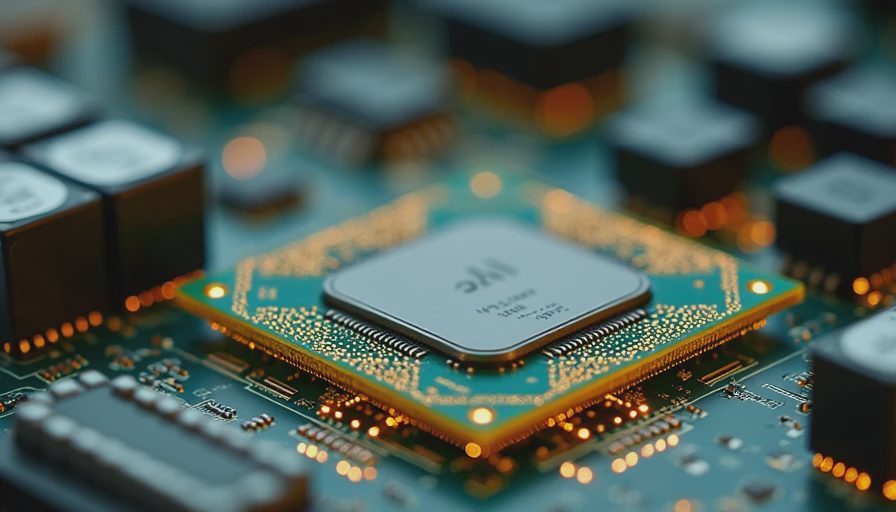
A Ryzen 7 9800X3D paired with an entry-level graphics card is not a balanced build. You will own an expensive processor while the GPU sets the frame rate in nearly every demanding game. The same problem appears with a Core i9 or a top Core Ultra model beside a card that cannot feed a 1440p monitor properly.
For a typical 1080p build, a good six-core or eight-core CPU is enough for most players. At 1440p, put more of the budget toward the graphics card, monitor, and power supply. At 4K, the GPU becomes even more important, though a capable modern CPU still helps with minimum frame rates and background tasks.
The exception is a high-refresh competitive system. If you are targeting 240Hz or higher and play CPU-heavy esports games, an X3D Ryzen chip deserves serious attention. Intel can still make sense when the total platform price is lower or when your workload includes substantial productivity work between gaming sessions.
Upgrade plans and practical buying advice
Choose AMD when you want a gaming-first system, value low noise, and like the possibility of dropping in a newer AM5 processor later. Choose Intel when a discounted bundle offers better total value, you need strong mixed-use performance, or you find a specific Core chip at a price that leaves more money for the GPU.
Do not choose based on brand loyalty. Check the exact model, motherboard BIOS support, cooler clearance, memory compatibility, and power limits. Read the motherboard manual before ordering. Some boards share M.2 slots with SATA ports or reduce expansion bandwidth when certain connectors are populated. These are boring details until the new system refuses to recognize a drive.
Also budget for a decent 650W to 850W power supply from a reputable line, depending on the graphics card. A reliable PSU, two or three well-placed case fans, and a clean Windows installation will improve the experience more than another small CPU tier jump.
The answer for your next build
The useful answer to intel vs amd processors for gaming is simple: buy the platform that keeps the entire build balanced. AMD X3D is my first stop for a gaming-focused machine where frame consistency and efficiency matter. Intel is a sensible choice when pricing, productivity work, or a strong bundle changes the math. Neither logo fixes a weak GPU, poor airflow, or inadequate power supply.
Before ordering, write down your resolution, refresh rate, favorite games, case model, cooler height, and GPU budget. Then compare complete parts lists rather than isolated processor prices. I turn it on so you do not have to, and the machines that stay quiet after two hours of gaming are always the ones built around the whole system—not the loudest number on the box.